Sometimes in life, you didn’t know you needed a product until you’ve experienced a life-changing event and you feel like you could use it to change the timeline of your journey. Here, we’ve rounded up our 3 top tech products that’ll make your life easier in one way or another, and will not drain your bank.
1- Secure Your Connection
Whether you prefer to work from home, at your office, or any shared workplace, one thing is clear: the future of connectivity is going to be in public.
So for those who are looking to secure their public Wifi connection or just prefer to browse the internet in a more anonymous way, PRO by Anonabox is a viable option.
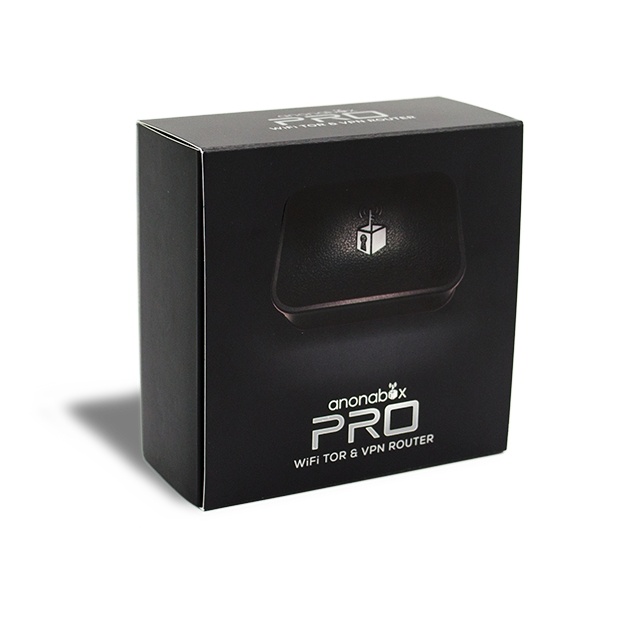
Anonabox PRO will take your online anonymity and privacy to the next level with its upgraded feature:
– Deter data collection by ISP’s, online services, marketing efforts, hackers, and governments.
– Prevent geographical restrictions for online services.
– Protect yourself when accessing public WiFi.
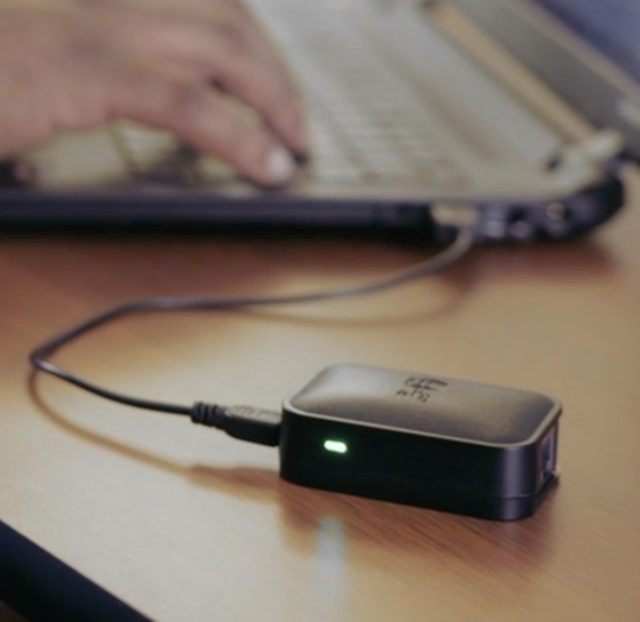
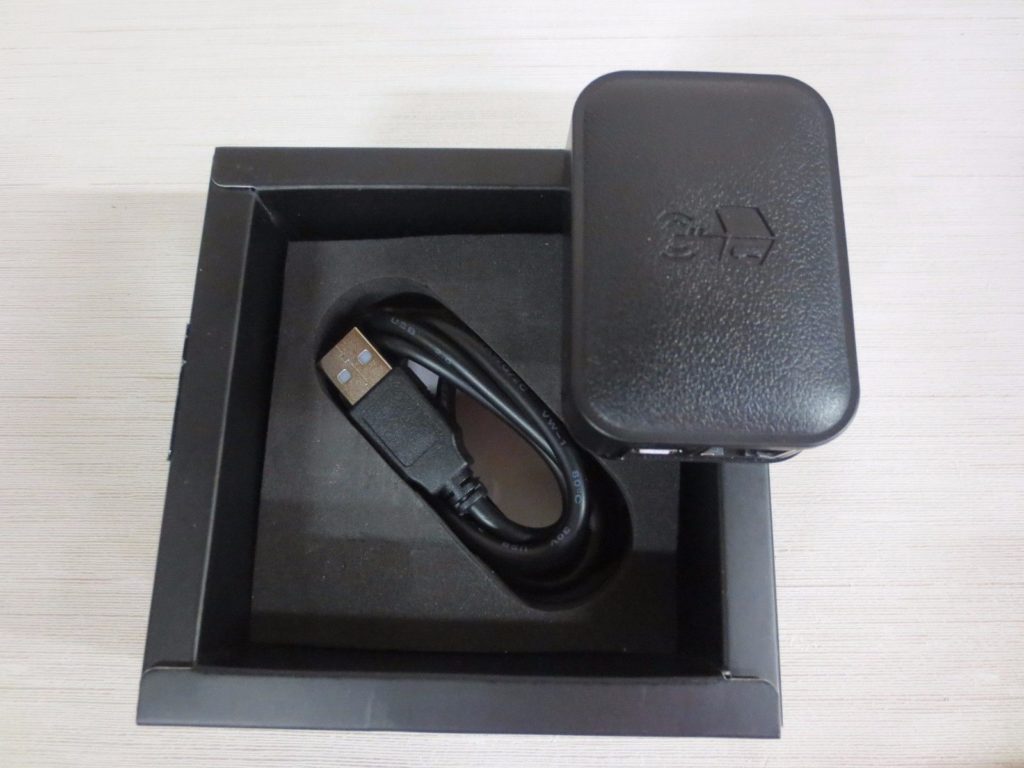
- Dimensions: 64mm x 44.5mm x 22.3mm (L X W X H)
- Weight: 28 grams (1 oz)
- Button: Reset
- Antenna Type: Internal
- Rate: 300 Mbps
- Wireless Standards: IEEE 802.11n, IEEE 802.11g, IEEE 802.11b
- Frequency: 2.4–2.4835GHz
- Transmit Power: <20dBm
- Wireless Modes: Access Point (AP), Range Extender, WiFi ability
- Wireless Security: Support 64/128 bit WEP, WPA-PSK/WPA2-PSK, Wireless MAC Filtering
2- Secure Your vehicles
Your cars, buses, or trucks are a very important part of your business and while their moving or parking during a journey, there is a big chance, someone will try to break into them.
This awesome accessory from SHISHUO plugs into any standard power port in your car, instantly adding more security and play the role of a guard watcher. But wait… This Dash Cam by SHISHUO, will not only provide one camera, but it comes with Dual Cameras, Front and Rear.
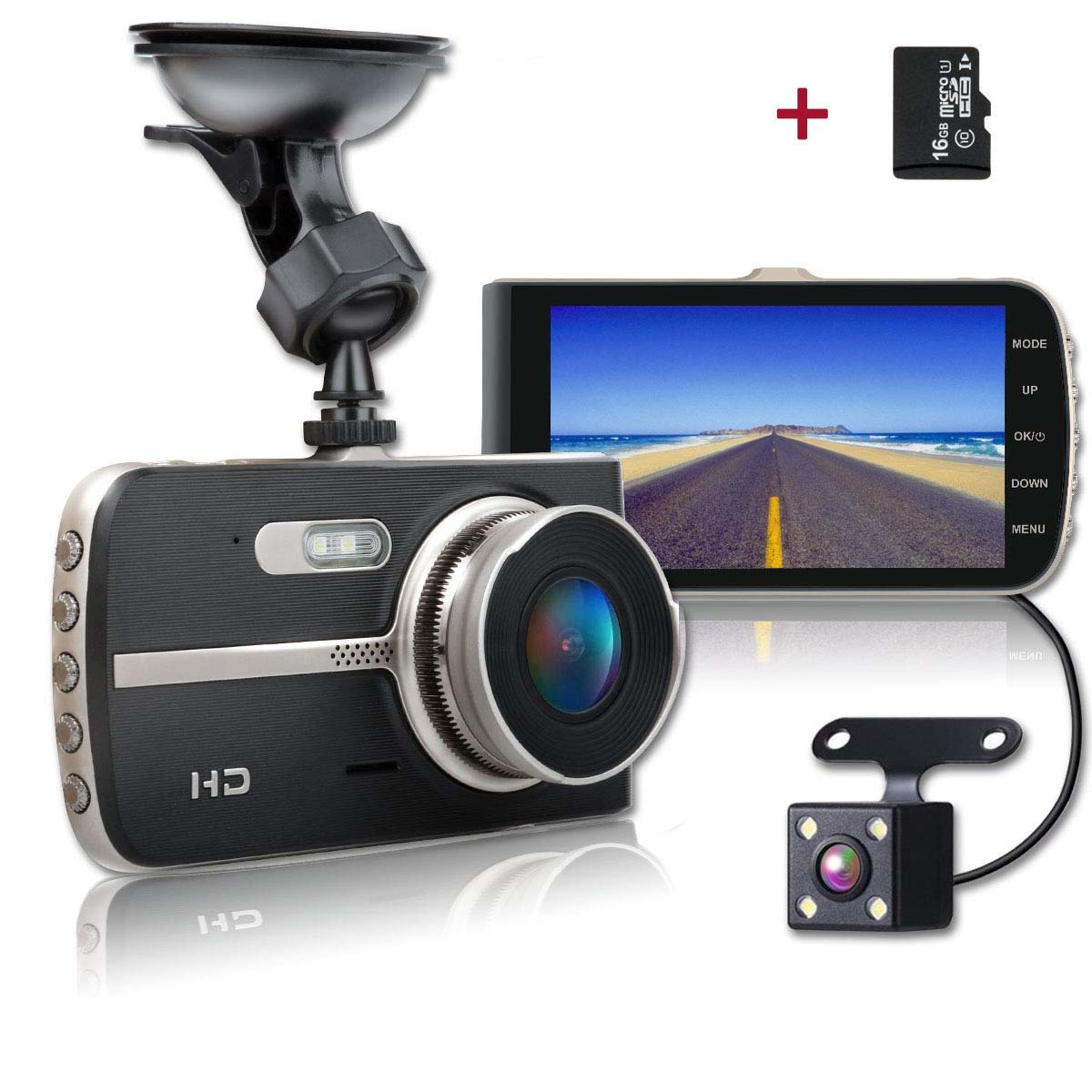
SHISHUO Dash Cam can be used:
– In case of an accident to make it easy to provide evidence.
– If someone brock into your car, the cam can be used to identify him/her.
– It comes with parking monitor and motion detection.
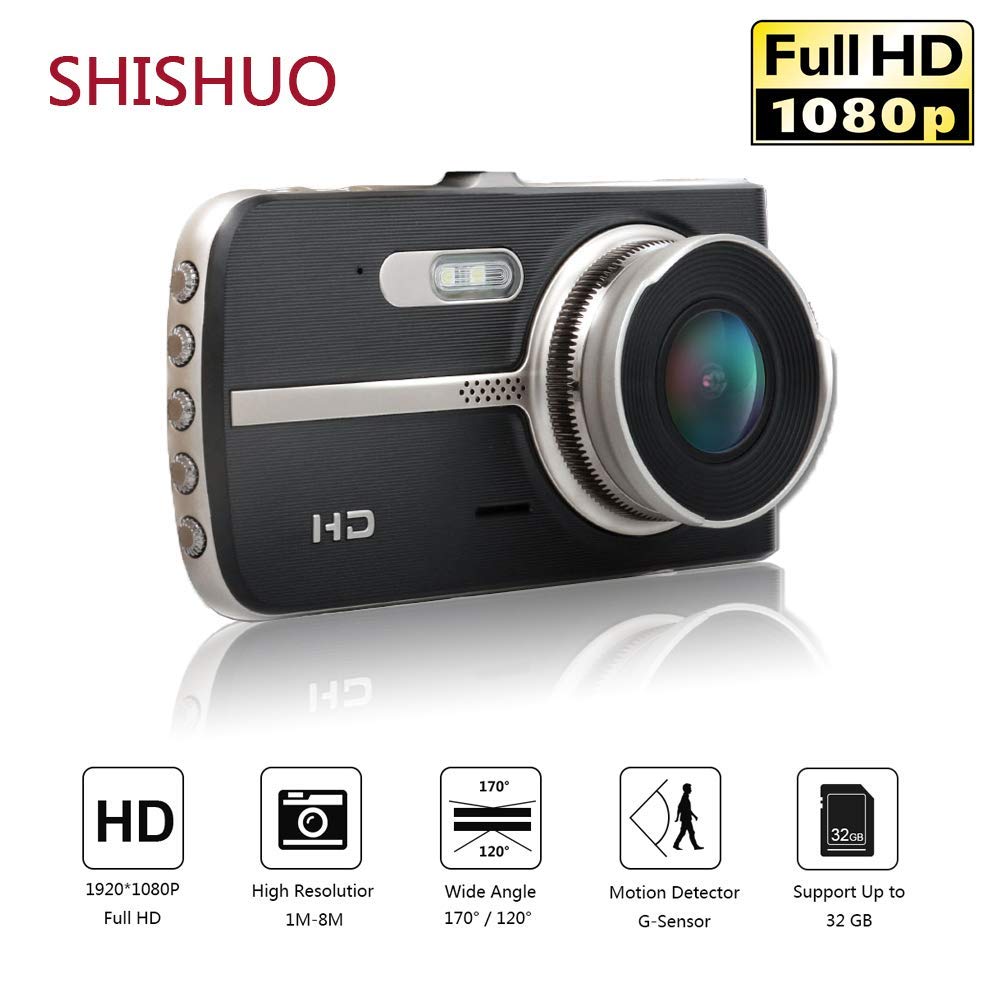
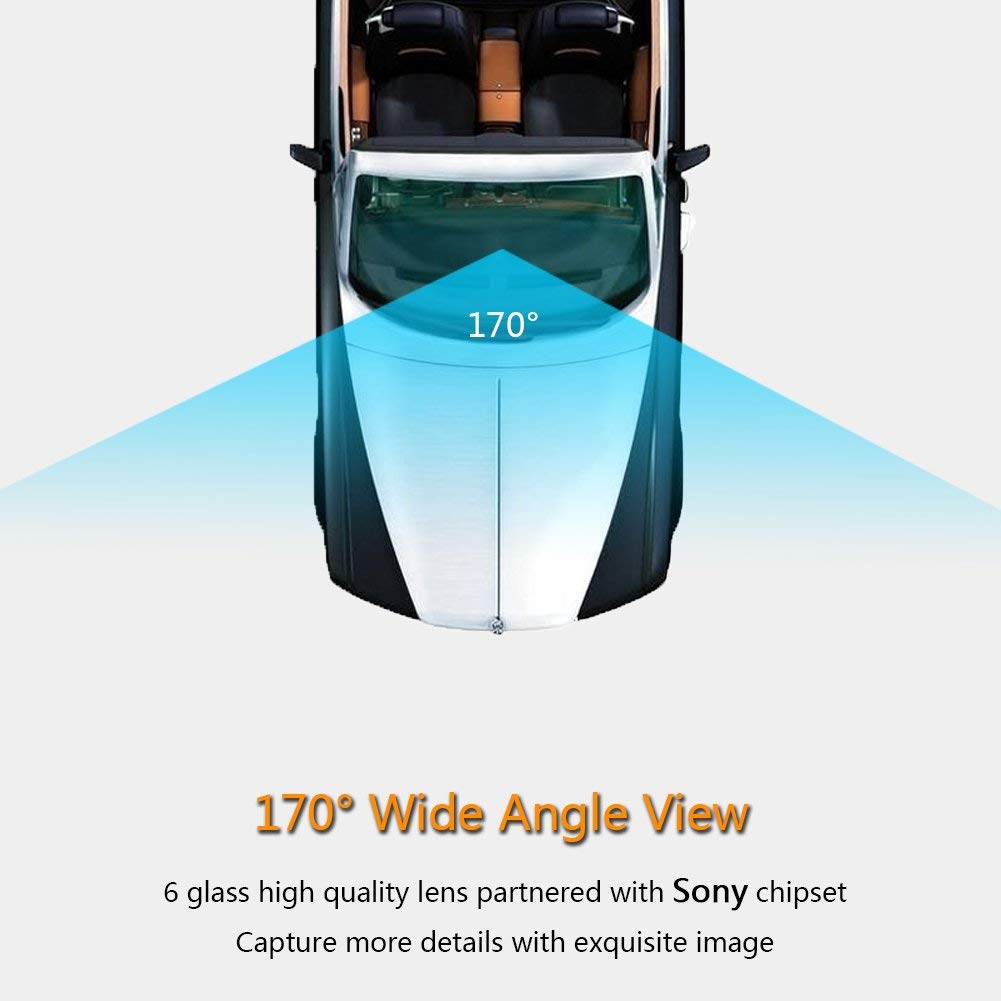
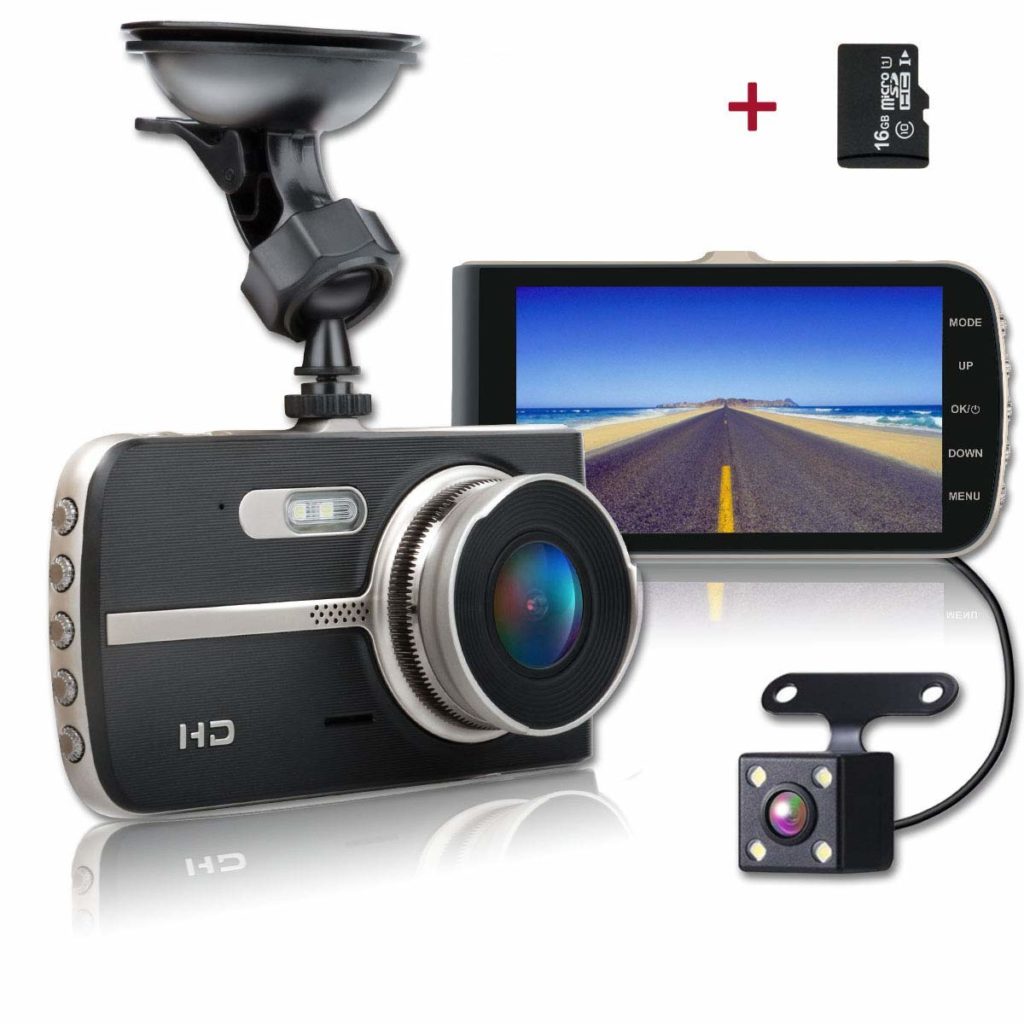
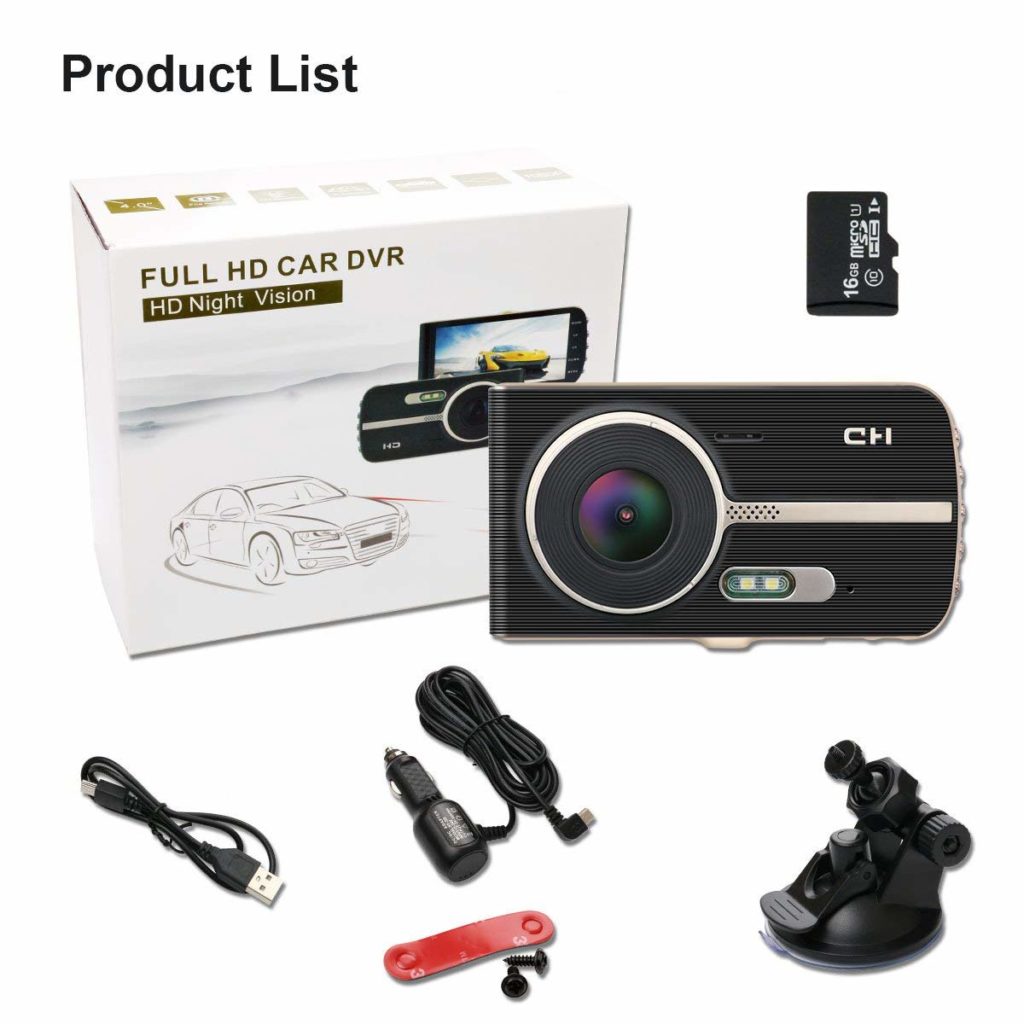
- Wide Viewing Angle: 170 degrees wide angle view.
- Loop Cycle Recording: Old files will be overwritten by new files automatically when the memory storage is full, keeps seamlessly recording.
- G-Sensor: Built-in three-axis high sensitive sensor can detect any collision, hard brake, big turn, or other sudden acceleration changes.
- Motion Detection: Any movement detected within 3 meters in front of the camera (Front camera only) will trigger the recording automatically.
- Parking Mode: When parking, if the G-sensor been triggered by a collision, moving or vibrating of the vehicle, the camera will then record a 10-15 second video clip, this clip will be automatically saved and locked later (Note: Parking mode only available with a camera connected to the car battery).
- Emergency Video Lock Button: You can always manually save and lock current video by pressing the lock button.
- WDR: Provides balance lighting exposure for a better image in over brightness and dim lighting situations.
- Display: 4 inch HD IPS screen
- Front Lens: 170°Wide Angle.
- Video resolution: 19201080P @ 30 fps / 1280720P @ 30 fps
- External memory: Micro TF/SD card up to 32GB (16GB Micro SD Card included)
3- Secure Your Office Doors
Forget your old-school door locks. They’re easy to pick or to be copied. But the August Smart Lock really doesn’t.
It’s a Bluetooth keyless door-securing device that gives your door a high-tech and secured upgrade and lets you lock and/or unlock your home office doors right from your phone.
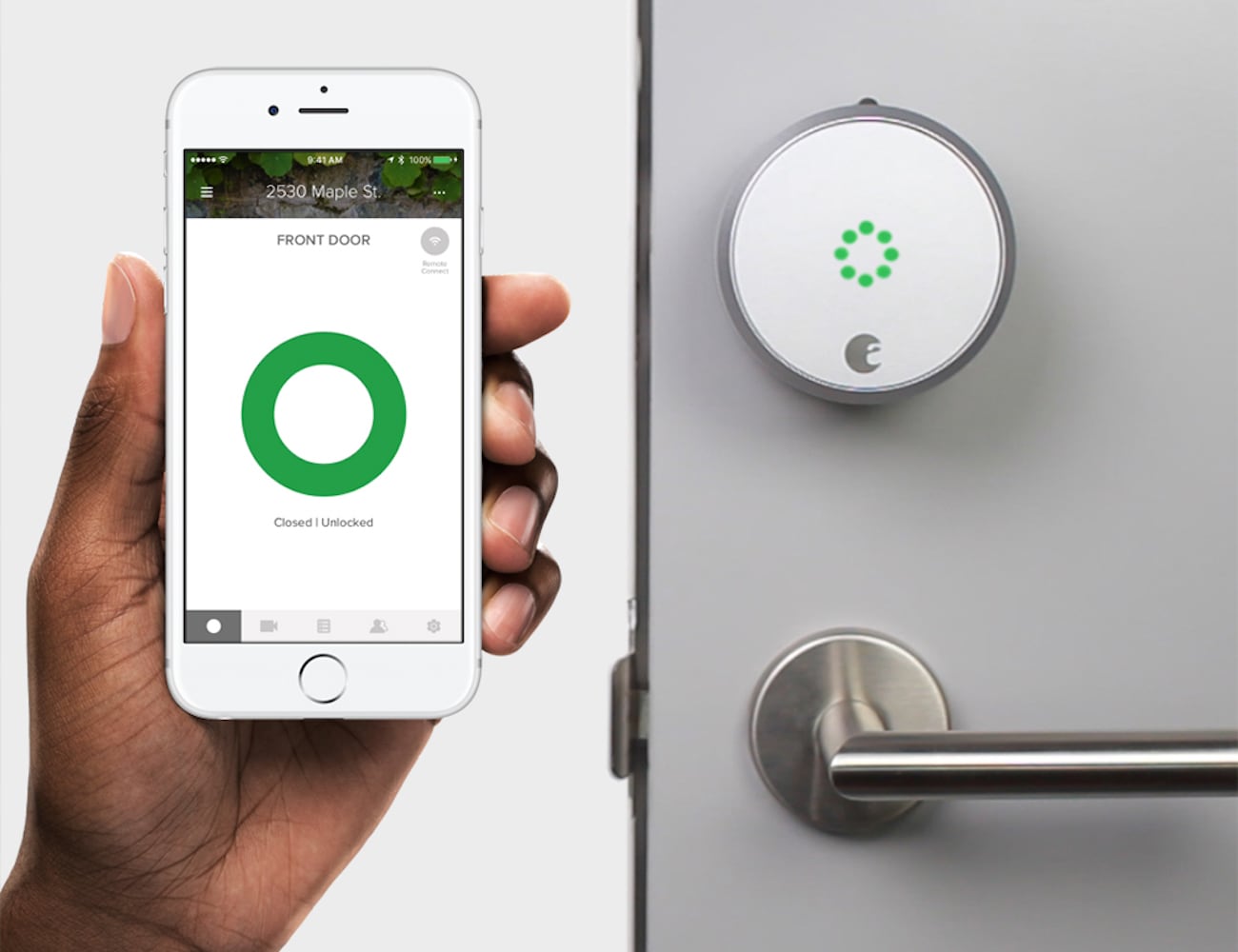
Keeping track of who comes to your office is also possible from your smartphone, where you can control the guest access.
Or you can give limited access to your employees depending on
Enable Auto-Lock and never worry if your door is locked again.
And for more security, August Smart Locks have DoorSense™, a sensor that tells you if your door is securely closed and locked or not.
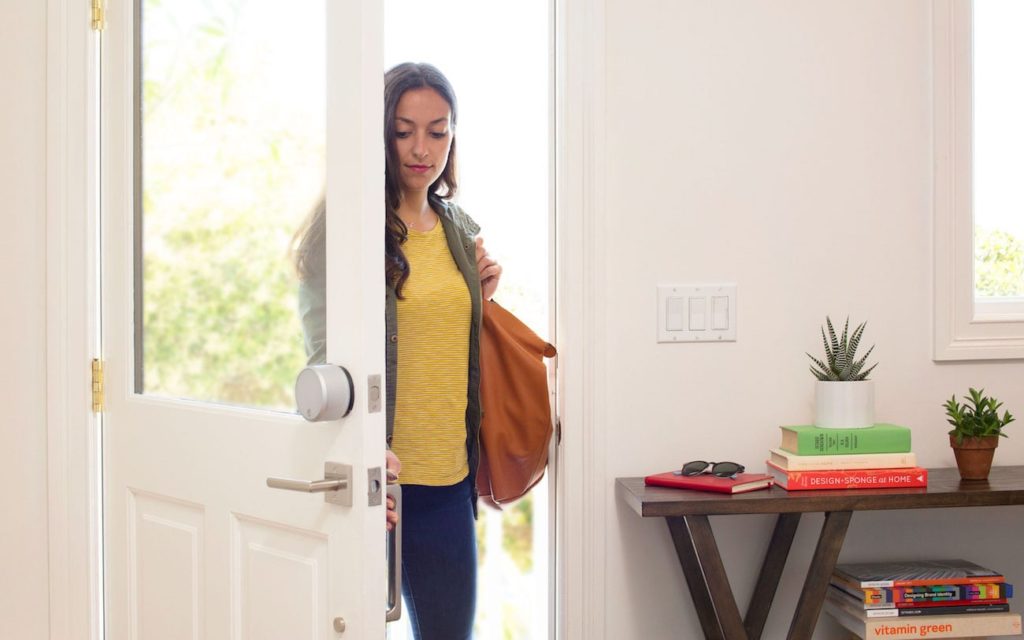
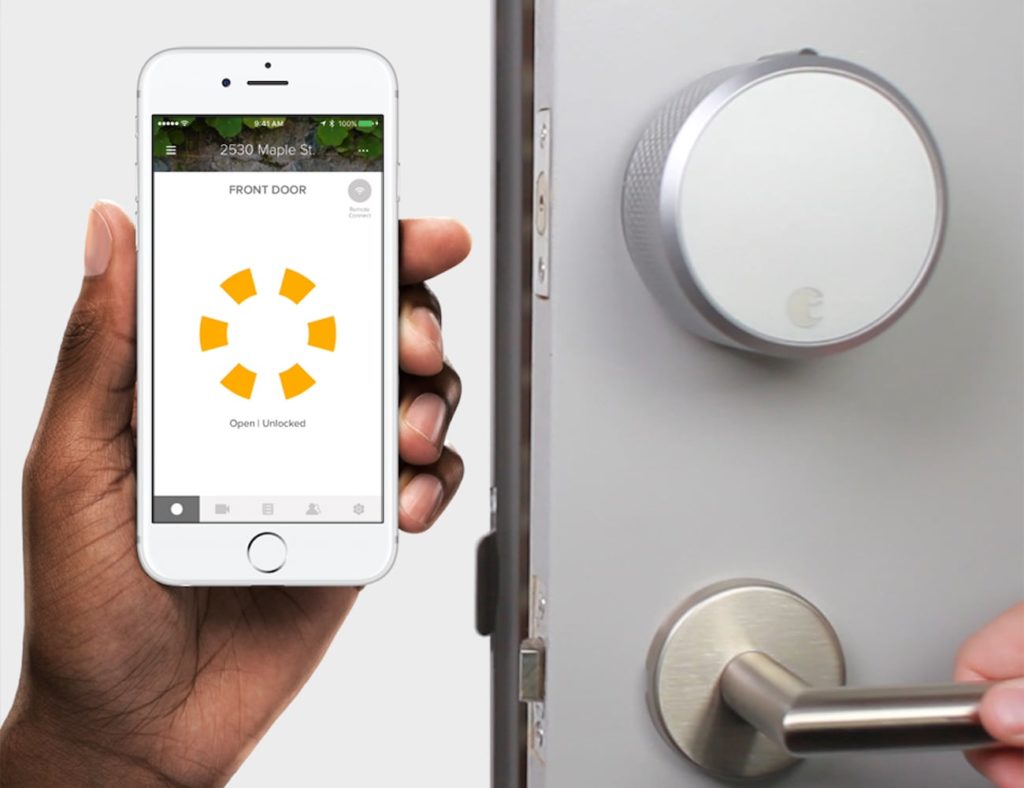
- Easy access: You lock and unlock your office doors with any Bluetooth-enabled smartphone.
- Total control: Give out (and manage) keyless entry access to your company clients, employees, and managers.
- Peace of mind: With the built-in DoorSense technology, it will lock itself when you leave, so you always know your office is completely closed and safe.
- Key entry, (optional): The smart lock can be attached to your existing deadbolt so you can still use your regular keys when you need to.
- Install in minutes: You can install the lock yourself, with no need to bring a locksmith.
There is a plenty of high-tech, DIY security gadgets available to help protect your home office (and your business) without breaking the bank. But we would love to hear from you and know what gadget do you prefer and the ones