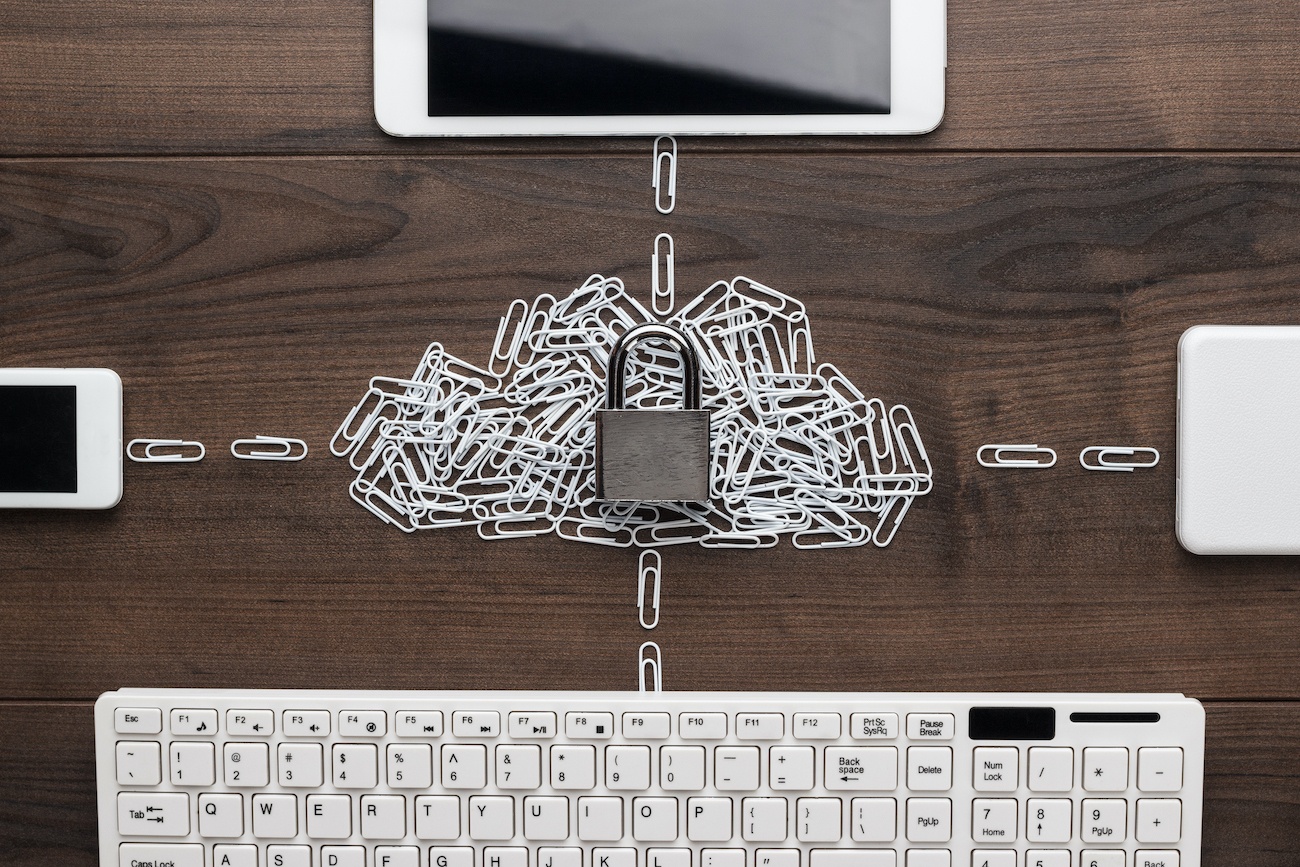


Since the early days of the internet, fraudsters, pranksters and criminals have been coming up with more and more ways to try and access our data for credit fraud, blackmail, or just to cause chaos.
Some organized criminals even use sophisticated software to use your computer to do their dirty work, creating ‘bot-nets’ of home computers that power their online criminal enterprise. Here are the top ten online security threats and some of the ways you can protect yourself, your family and your devices from them.
Viruses
Viruses are possible the most well-known threat to computers. Software downloaded from the internet or transferred over a local network, or even on a USB, can contain viruses. Always have a virus scanner installed and use it regularly.
Trojans
Trojans are named after the Trojan Horse of ancient Greek mythology. Here, a seemingly harmless program is installed on your computer, which actually gives hackers complete control and access to all of its resources.
Worms
Worms get into your system and then duplicate themselves, sending them to all your contacts or any computer or drive that interacts with yours. They then wait for further remote instruction.
Spyware
Spyware monitors all of your connections and data and passes the information on to its author. You can use a VPN to connect to the internet, and all your data will be encrypted. Check out this ultimate guide by Anonymania to one of the best VPNs on the market.
Phishing
Phishing happens a lot in email. An official-looking email arrives in your inbox containing a link. They will often be asking you to update account information. Clicking the link leads you to an official-looking (but criminal) site, set up to harvest your bank details.
Pharming
Pharming is similar to phishing, but it’s more sophisticated. Here, websites attempt to fool your computer into connecting to counterfeit websites that harvest your data, and the data of thousands of other users. They often will look very similar to your online banking website.
Email Spam
One of the oldest online scams is email spam. Email providers do a good job of filtering spam these days, but it can still be a threat. The links or attachments in spam messages can wreak havoc on a computer.
Adware
Adware installs itself on your computer when you visit an unsecured website and supplies you with ads as you continue to surf. The links in the ads are often to criminal websites selling products that will never be delivered.
Keyloggers
Keyloggers record every keystroke you make on your computer and send the data to their controllers. Here they sift through them looking for login details and bank account information for credit fraud and identity theft.
Fake Security Software
One of the worst online threats of all is nefarious security software. This software pretends to offer you protection from online threats but is actually recording and selling your data.
Whether you use a computer at home, or for business, your information is in danger from online threats. Make sure you get the right protection for you and your devices.