Every modern app needs real-time communication features. But building chat functionality from scratch? That’s a massive time sink pulling your team away from what matters.
But with CometChat you can have professional messaging running in minutes.
1. Why In-App Chat Matters for Your Application
User engagement drives everything in today’s market, and real-time messaging isn’t optional, users expect it. Chat functionality keeps people connected. Apps without it struggle to hold onto users.
Users spend more time in apps with communication features. But implementation complexity is real. Building from scratch means expertise in real-time protocols plus ongoing maintenance most teams can’t afford.
2. Common Challenges Developers Face Building Chat
Building messaging means wrestling with real-time data synchronization, WebSocket connections, message queuing, state management… it’s a lot.
Scalability? That’s where most homegrown solutions die. What works for 100 users crashes at 10,000.
Security concerns add serious complexity. Encryption, authentication, data privacy, you can’t cut corners here. Plus cross-platform compatibility means separate codebases for web, iOS, and Android, tripling your development time.
The worst part? Maintenance and updates never end. Your team ends up maintaining chat infrastructure instead of building your actual product.
3. CometChat as Your Flexible Solution
CometChat kills these problems with one platform, for no-code creators or experienced developers wanting total control.
Here’s what makes it brilliant: four distinct integration paths. Pick whatever matches your skills. Need it live today? Done. Want to customize every pixel? That too.
Most teams go live in days instead of months. Some launch in hours. The enterprise-grade infrastructure handles reliability and scalability automatically.
4. The Four Integration Paths Explained
4-1. No-Code Widget Builder
The Widget Builder is perfect when you need zero programming knowledge. Product managers and designers can roll out chat without bothering the dev team.
Customize through a visual configuration panel, grab your snippet, embed it. Full UI customization matches your brand, works immediately with zero engineering needed.
4-2. UI Kit Builder
The UI Kit Builder sits in the sweet spot and gives you code generation without starting from scratch.
Use drag-and-drop tools to design visually. The platform spits out clean, production-ready code automatically. You keep design control while saving weeks of UI work.
4-3. UI Kits
Pre-built UI Kits give you production-ready chat components right out of the box. Plug-and-play means consistent design without manual interface work.
You get everything: messages, conversations, user profiles, group features, a complete chat experience ready to deploy.
4-4. SDKs
Platform-specific SDKs are for teams building something truly unique. Complete control over every detail with native support for web, mobile, and cross-platform frameworks.
Perfect for highly customized or branded experiences, backed by comprehensive documentation that makes even complex integrations straightforward.
5. Real-World Use Cases and Applications
Let’s see who needs CometChat:
- Social platforms use CometChat to power community features that keep users engaged.
- Educational technology platforms depend on it for real-time student-teacher communication and group discussions.
- Healthcare applications need rock-solid HIPAA-compliant messaging between providers and patients.
- E-commerce marketplaces live and die by buyer-seller communication and in-app messaging pumps up conversion rates.
6. Key Features That Set CometChat Apart
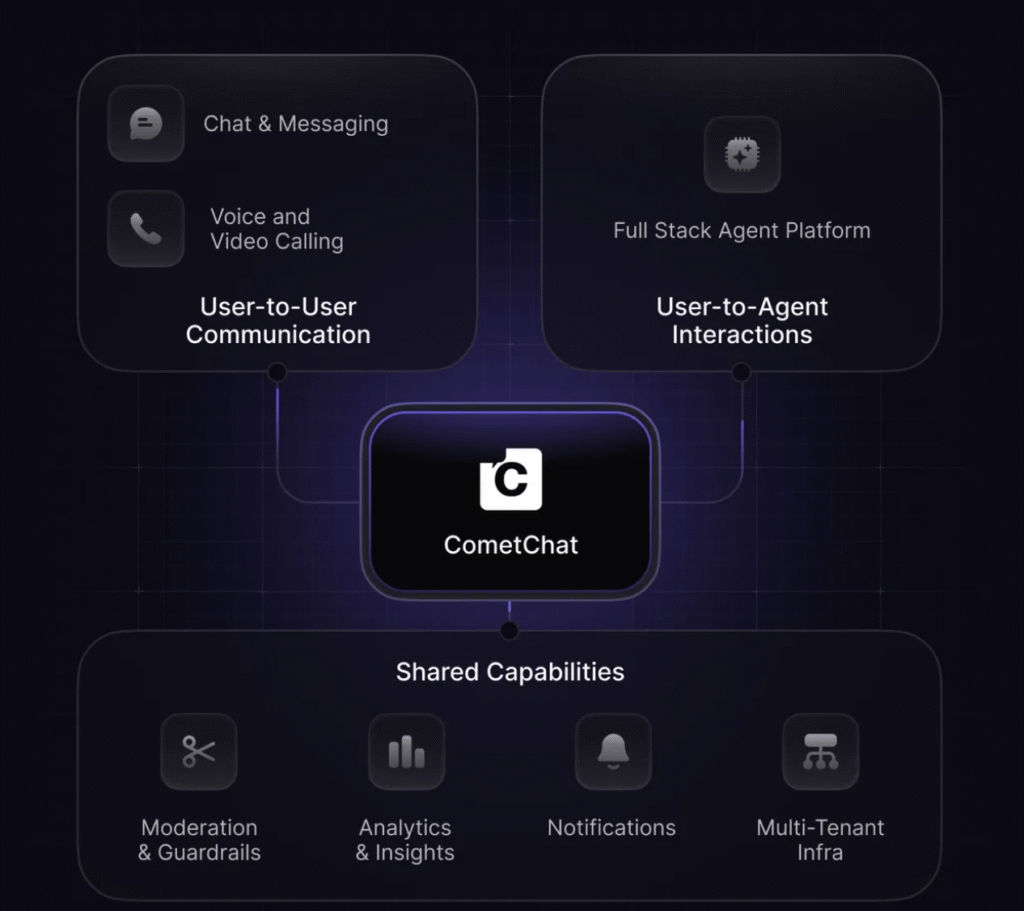
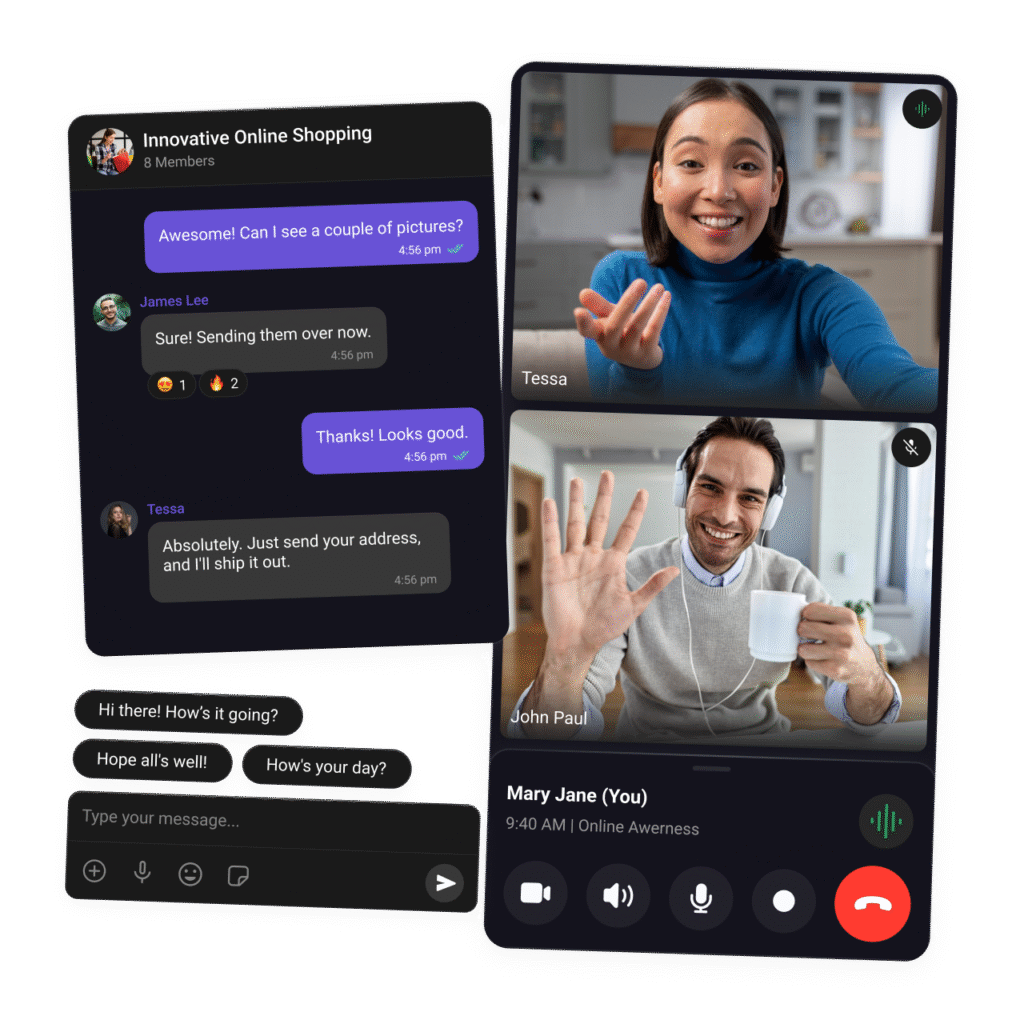
Real-time messaging works instantly across devices. Voice and video calling integrate easily. Push notifications keep users engaged. And moderation tools with AI filters keep communities safe.
| Feature | What You Get | Complexity |
|---|---|---|
| Messaging | Text, Media, Emojis | Easy |
| Voice/Video | HD Calls, Recording | Medium |
| Notifications | Push, Email, SMS | Easy |
| Moderation | AI Filters, Blocking | Easy |
| Security | HIPAA, GDPR | Built-in |
Frequently Asked Questions
How long does integration take?
Most teams finish in hours with the Widget Builder. Custom SDK work takes a few days, but it’s way faster than building from scratch.
Does it work with my tech stack?
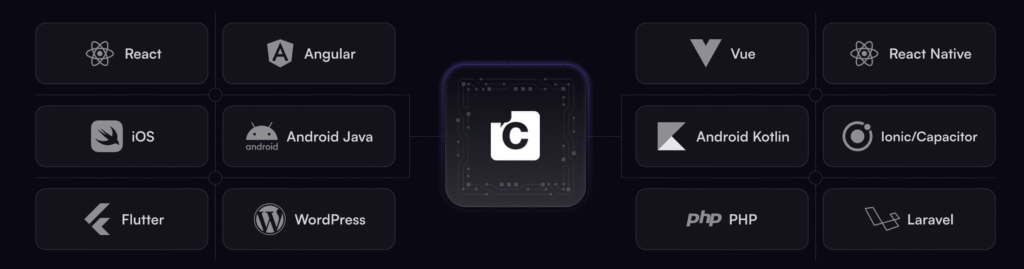
Yes it works with React, Angular, Vue, Swift, Kotlin, and more. Native SDKs plus REST APIs for custom work.
Can I customize the interface?
The Widget Builder gives visual customization. SDKs give complete control over every element.
What about security compliance?
Enterprise-grade security with end-to-end encryption. GDPR, HIPAA compliant with data residency options.
How does it scale?
Scales automatically to handle millions of connections. Start with free tier, then scale based on monthly active users.
Conclusion
Adding in-app chat doesn’t have to be a months-long nightmare. CometChat gives you flexible paths for any technical level.
Get started with CometChat for free and integrate chat in minutes. Your users expect real-time communication and CometChat makes it effortless.