
Facebook is the most obvious way to grab more traffic to your blog and it is very important for every webmaster to optimize his website for facebook.
And one of the last Facebook solutions is the ability to show your web page’s meta in facebook using the open-graph including data like author name and even a backlink to the author page.
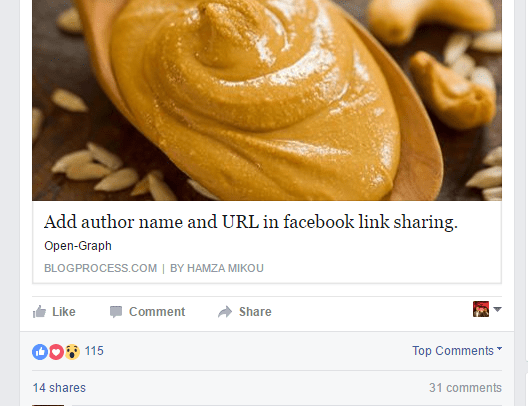
The easiest way is to add a meta tag in your website template’s header. And if your blog is powered by WordPress, you have to add the tag in theme’s header.php before tag.
[php]<meta property="article:author" content="https://www.facebook.com/Username" />[/php]
Replace “Username” with the author Page or Profile vanity URL. And with this one and easy line your blog is now ready to show author name on facebook.
Tip:
Sometimes and even if you make the necessary changes, Facebook fail to show author name, so you have to clear the facebook open-graph’s cache and allow the Facebook robot to fetch your meta for new data:
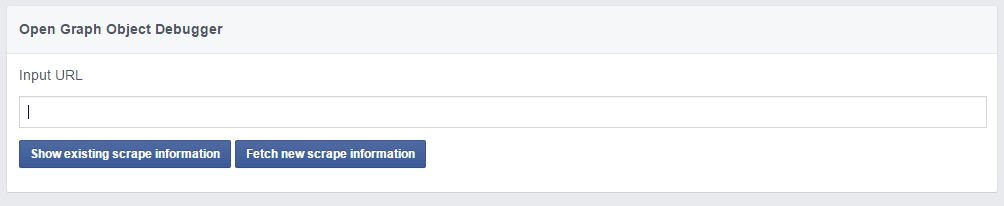
1- Go to go Facebook Open Graph Object Debugger.
2- Fill in you blog URL and click Fetch new scrape information button.
I hope this article helped you to add the Facebook author name to your blog, but if you still face some issue you can leave a comment here and I will be very happy to help.