
Running a business from your phone seemed impossible five years ago. Today, I manage my entire operation while traveling between clients. The secret lies in choosing the right mobile apps that actually work together.
The 7 Mobile Apps Every Entrepreneur Should Use in 2025 are HubSpot CRM for customer management, Slack for team communication, QuickBooks Mobile for finances, Calendly for scheduling, Notion for knowledge management, Loom for video communication, and RescueTime for productivity tracking.
While HubSpot CRM serves as your business foundation, these six additional mobile apps create a complete entrepreneurial toolkit.
Mobile app stores generated over $150 billion in revenue in 2024, representing a 13% year-over-year increase, according to Sensor Tower’s State of Mobile 2025 report.
This growth reflects how entrepreneurs are increasingly adopting mobile tools that replace expensive desktop software. HubSpot CRM leads this transformation by connecting all business activities seamlessly.
The average smartphone owner uses 10 apps per day. Most entrepreneurs jump between disconnected tools that create more work instead of less. Smart business owners choose apps that integrate with each other automatically.
Your phone can become your complete business command center. Let me show you exactly which apps make this possible.
1. HubSpot CRM – Your Mobile Business Control Center
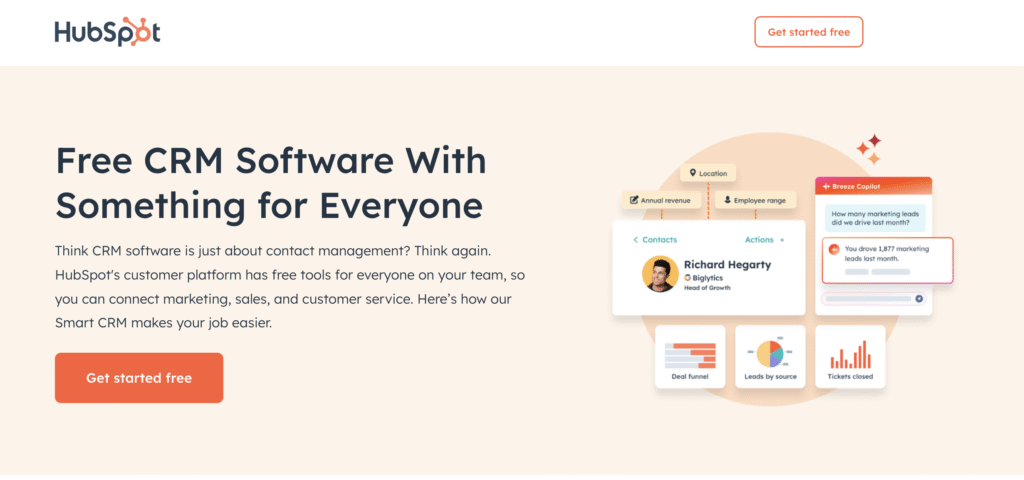
HubSpot CRM gives entrepreneurs a true business command center and handles contact management, deal tracking, and sales automation automatically.
HubSpot CRM Core Features
| Feature | Function | Mobile Access |
|---|---|---|
| Contact Management | Store customer details automatically | iOS & Android |
| Deal Pipeline | Track sales progress visually | Real-time updates |
| Business Card Scanner | Convert cards to contacts instantly | Camera integration |
| Email Tracking | Track important conversations | Native Mobile Notifications |
| Email Templates | Send professional messages quickly | Pre-built options |
| Meeting Scheduler | Book appointments automatically | Calendar sync |
HubSpot CRM transforms networking follow-up by automatically scanning business cards, enriching contacts with instant company data, and showing you exactly when prospects open your emails so you can call at the perfect moment.
When you attend networking events, managing new contacts typically becomes a bottleneck. HubSpot’s mobile business card scanner eliminates manual data entry by automatically capturing contact details and enriching them with company information from its 200+ million business database.
The real power comes afterward: HubSpot’s email tracking shows exactly when prospects engage with your follow-up messages, letting you time your calls when interest is highest rather than playing phone tag.
Platform Compatibility: Compatible with iOS and Android.
While HubSpot’s free account is a powerful machine, not all the automation is free and HubSpot may require paid tiers for advanced workflows. Some workflows, scoring, integrations, and Operations Hub often require Professional or Enterprise plans, whereas the free CRM provides basic features
Ready to transform your mobile to a productivity hub? Start with HubSpot’s free CRM account today and experience the difference cloud-native tools make for distributed teams.
2. Slack – Team Communication and Collaboration
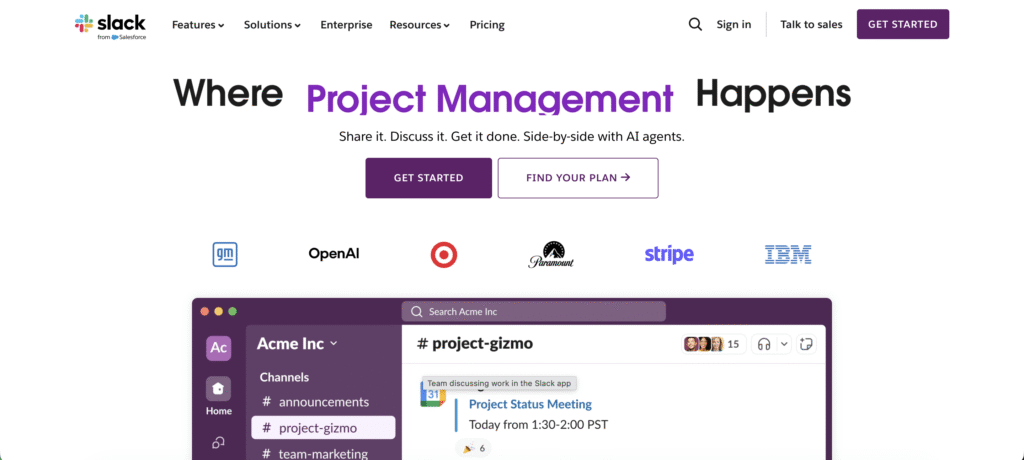
Slack organizes team communications better than email chains. Channels separate conversations by projects, clients, or departments clearly.
Slack Core Communication Features
| Feature | Function | Mobile Support |
|---|---|---|
| Channel Organization | Topic-based conversations | iOS & Android |
| Direct Messaging | Private team communications | Real-time sync |
| File Sharing | Upload documents instantly | All file types |
| Search Function | Find messages quickly | Advanced filters |
| Voice Calls | Built-in calling functionality | HD quality |
| Screen Sharing | Show presentations remotely | Mobile compatibility |
Slack Team Management Benefits
Slack offers flexible plans tailored to your team size, starting with a free option for small groups. If your team has 1 to 10 people, you can get started at no cost, enjoying unlimited messages and up to 10 app integrations.
For teams between 11 and 50 people, the cost is $7.25 per user per month. This plan adds advanced security features and guest access, allowing managers to safely include external collaborators while maintaining control over sensitive information.
Larger teams of 50+ people benefit from a $12.50 per user per month plan, which includes compliance tools and detailed analytics. These features help organizations maintain industry standards, monitor team performance, and ensure secure, efficient communication at scale.
In short, Slack scales with your team, offering the right combination of cost and features depending on your size and collaboration needs.
Platform Availability: iOS and Android with identical functionality across devices.
Slack integrates with HubSpot CRM to automatically log important client communications, ensuring your sales team never misses critical conversation details.
3. QuickBooks Mobile – Financial Management and Accounting
Beyond HubSpot’s core CRM capabilities, QuickBooks Mobile handles your financial operations.
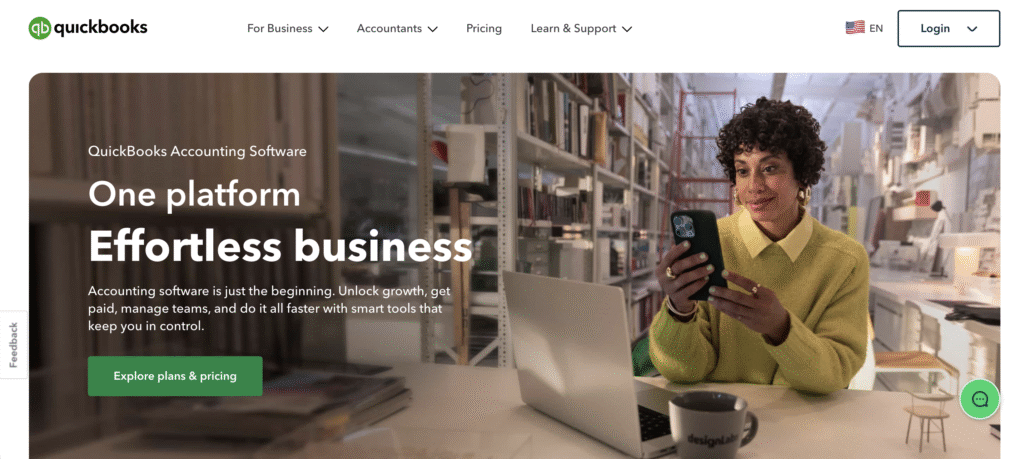
QuickBooks Mobile handles all financial operations from invoice creation to tax preparation. Cloud synchronization keeps financial data updated across all devices.
QuickBooks Mobile Accounting Features
| Feature | Function | Time Saved |
|---|---|---|
| Invoice Creation | Professional billing in 2 minutes | 15 min per invoice |
| Expense Tracking | Photo receipt categorization | 20 min daily |
| Bank Integration | Real-time balance updates | 30 min weekly |
| Payment Reminders | Automated collection notices | 10 min per client |
| Tax Estimation | Quarterly obligation calculations | 2 hours quarterly |
| Profit Reports | Instant financial health check | 45 min monthly |
QuickBooks Pricing and Features
Managing finances can be overwhelming for small businesses and freelancers. QuickBooks simplifies tracking, invoicing, and reporting, saving time and reducing errors:
- Simple Start ($15/month) helps solo entrepreneurs track expenses and invoice clients easily, saving time and avoiding errors.
- Essentials ($30/month) streamlines bill management and time tracking, improving team productivity and ensuring nothing slips through the cracks.
- Plus ($45/month) adds inventory tracking and project profitability insights, helping growing businesses make smarter decisions and manage resources efficiently.
- Advanced ($100/month) delivers custom fields and advanced reporting, empowering larger businesses with detailed insights for strategic financial planning.
Platform Support: iOS and Android with full feature parity and offline access.
4. Calendly – Automated Meeting Scheduling
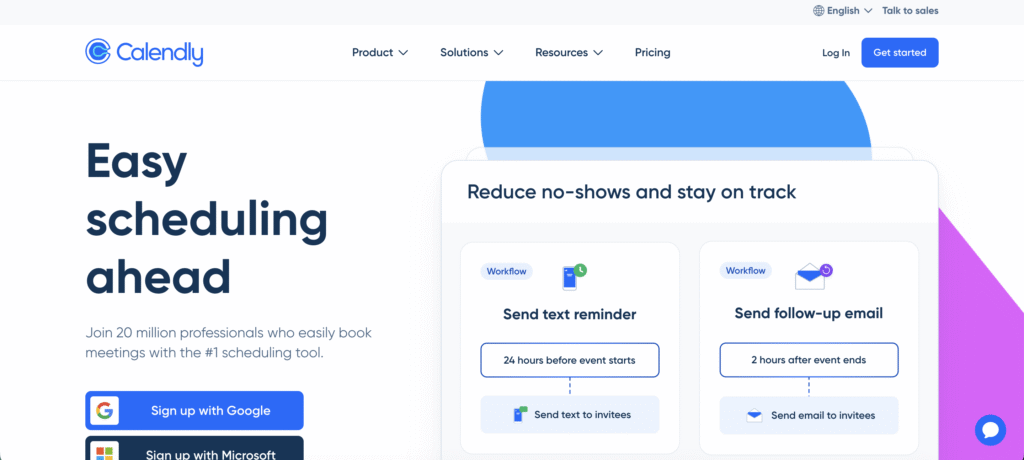
Calendly eliminates scheduling email back-and-forth completely. Clients book available time slots directly from your personalized booking link.
Calendly Scheduling Features
| Feature | Function | Business Impact |
|---|---|---|
| Availability Windows | Set working hours automatically | No after-hours bookings |
| Meeting Types | Custom duration and requirements | Professional preparation time |
| Buffer Time | Prevent back-to-back meetings | Reduced scheduling stress |
| Confirmation Emails | Automated meeting details | Clear expectations |
| Payment Integration | Collect consultation fees | Qualified prospects only |
| Zoom Integration | Generate meeting rooms | Seamless video calls |
Calendly Pricing Plans
Scheduling meetings can eat up hours each week. Calendly automates the process, reduces email back-and-forth, and keeps teams organized effortlessly:
- The Free plan ($0) lets you schedule one meeting type, perfect for individuals needing basic, effortless scheduling.
- Essentials ($8/user) allows unlimited meeting types and calendar connections, saving time and keeping schedules organized across platforms.
- Professional ($12/user) adds team features and advanced integrations, streamlining collaboration and connecting with apps your team already uses.
- Teams ($16/user) offers admin controls and analytics, giving managers oversight and insights to optimize workflows and team efficiency.
Mobile Compatibility: iOS and Android apps with full scheduling functionality and notifications.
When Calendly syncs with HubSpot, new meeting bookings automatically create or update contact records, maintaining your customer database without manual data entry.
5. Notion – All-in-One Digital Workspace
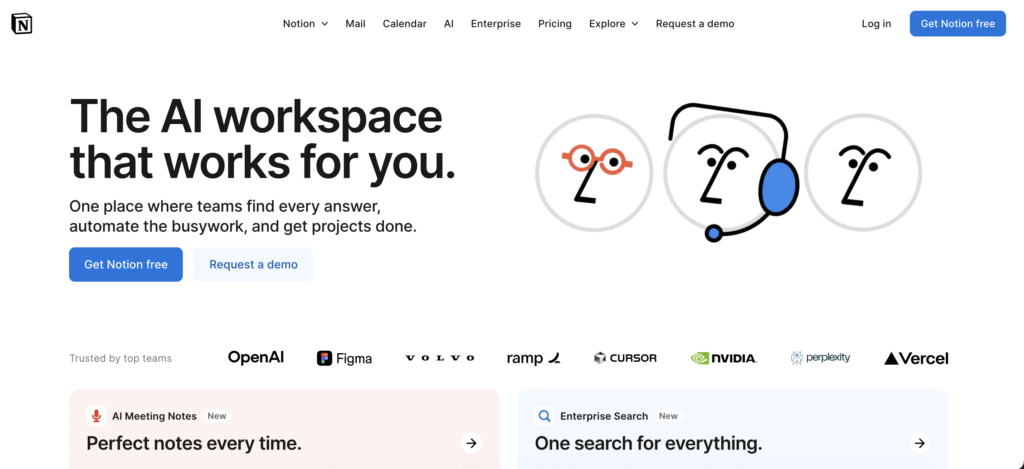
Notion combines notes, databases, and project management in one flexible platform. Create custom workflows that adapt to your specific business needs.
Notion Core Workspace Features
| Feature | Function | Collaboration |
|---|---|---|
| Database Creation | Custom business tracking | Real-time editing |
| Template Library | Pre-built business processes | Team sharing |
| Automation Rules | Trigger-based updates | Workflow automation |
| Document Creation | Rich text and media | Version control |
| Project Tracking | Visual progress boards | Team assignments |
| Knowledge Base | Centralized information | Search functionality |
Notion Business Applications
Notion can streamline lead management by using contact-tracking databases. For small teams of 1–5 people, setup takes about a day or two, helping you organize prospects quickly and keep communication consistent.
For project management, Notion’s task databases work well for teams of 5–20 people. In just few days, you can create a structured workflow to track tasks, deadlines, and team responsibilities efficiently.
Content teams benefit from content planning with editorial calendars. Teams of 2–10 people can set up a system in a quick way, making it easy to schedule, track, and publish content on time.
Notion also supports inventory tracking through product databases. Small-to-medium teams of 3–15 people can build a custom system in few days, keeping products organized and stock levels clear.
Platform Access: iOS and Android with offline synchronization and real-time collaboration.
6. Loom – Video Communication and Screen Recording
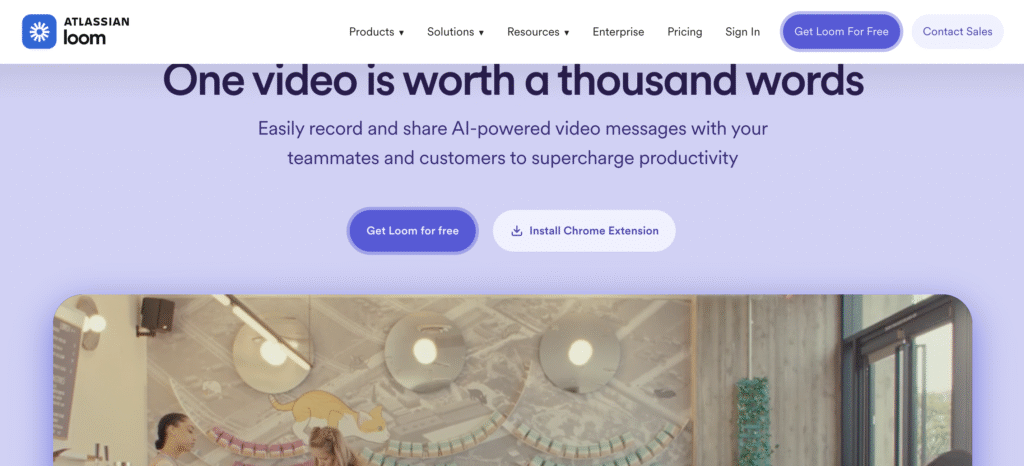
Loom lets you send professional video messages instantly. Record your screen, camera, or both to communicate clearly with clients or teammates.
Loom Video Creation Features
| Feature | Function | Business Impact |
|---|---|---|
| Screen Recording | Capture desktop activity | Clear explanations |
| Camera Recording | Personal video messages | Relationship building |
| Instant Sharing | One-click video links | Immediate communication |
| Viewer Analytics | Track engagement metrics | Message effectiveness |
| Password Protection | Secure sensitive content | Client confidentiality |
| Transcription | Automatic video captions | Accessibility compliance |
How Loom Helps Entrepreneurs
Loom makes software demos quick and clear, letting entrepreneurs showcase features and explain products effectively in minutes.
Consultants can use Loom for strategy explanations, sharing complex ideas efficiently while saving time and reducing endless meetings.
Loom supports training and onboarding, allowing teams or clients to learn remotely through concise, easy-to-follow videos.
For operations, Loom creates process tutorials, helping employees understand procedures clearly and improving overall team efficiency.
Mobile Recording: iOS and Android apps with full recording capabilities and cloud storage.
7. RescueTime – Productivity and Time Management
While HubSpot manages your customer relationships, RescueTime optimizes how you spend your working hours.
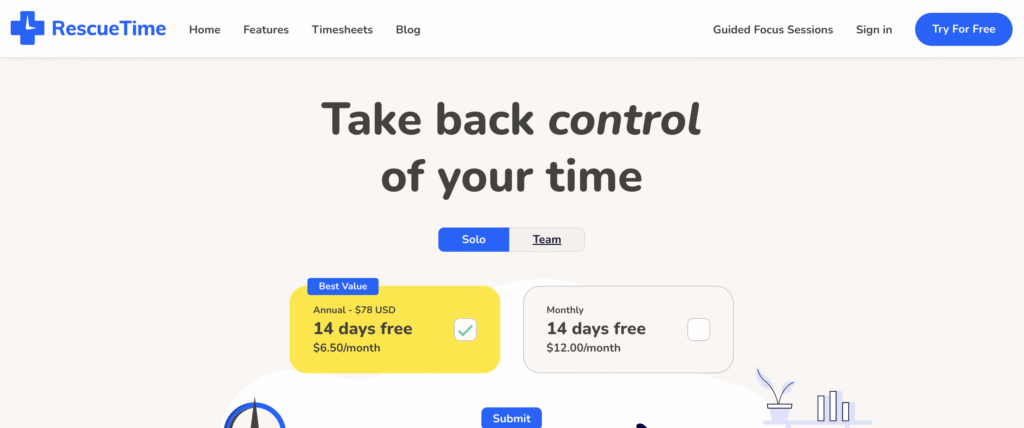
RescueTime tracks how you spend work time automatically. No manual timers or complicated setup required.
RescueTime Automatic Tracking Features
| Feature | Function | Insight Provided |
|---|---|---|
| App Monitoring | Track all applications | Time allocation reality |
| Website Categorization | Classify online activity | Productivity patterns |
| Focus Sessions | Block distracting sites | Deep work enhancement |
| Daily Reports | Productivity summaries | Behavior analysis |
| Goal Setting | Targeted improvement | Progress measurement |
| Team Dashboards | Group productivity insights | Workflow optimization |
RescueTime for Productivity
RescueTime helps entrepreneurs understand how they spend their day. By tracking communication, meetings, deep work, and administrative tasks, it highlights where time is lost.
With this insight, entrepreneurs can reduce unnecessary meetings, automate routine responses, and streamline repetitive tasks. This frees up hours for more important work.
Focusing on deep work becomes easier. By reclaiming time and minimizing distractions, RescueTime helps business owners increase productivity and make meaningful progress toward their goals.
Platform Monitoring: Works on iOS, Android, Windows, Mac, and Linux devices automatically.
Frequently Asked Questions About Mobile Apps Every Entrepreneur Should Use
Q. Which mobile apps do successful entrepreneurs use most?
Successful entrepreneurs consistently rely on three core categories of apps: communication tools (like Slack or Microsoft Teams), financial management software (such as QuickBooks or FreshBooks), and scheduling platforms (like Calendly or Acuity).
However, HubSpot CRM remains the most critical foundation tool for managing customer relationships and driving business growth, especially when it integrates seamlessly with your other business apps.
Q. How many business apps should entrepreneurs use daily?
The sweet spot is 5-7 core apps maximum. Research shows that using too many applications creates decision fatigue, increases switching costs, and significantly reduces overall productivity.
Focus on essential tools that integrate well together rather than collecting numerous single-purpose apps.
Q. Do mobile business apps actually save time for busy entrepreneurs?
Yes, significantly. Well-chosen productivity apps can save entrepreneurs time.
The biggest time savings come from automation features that eliminate repetitive manual tasks like data entry, follow-up emails, and report generation, allowing entrepreneurs to focus on high-value strategic work.
Q. Should entrepreneurs choose free or paid versions of mobile apps?
Start with free versions to test functionality and ensure the app fits your workflow. HubSpot’s free CRM tier, for example, provides robust contact management without upfront costs.
Upgrade to paid plans only when free limitations directly impact your business growth—such as hitting contact limits in your CRM or needing advanced reporting features.
This approach prevents unnecessary spending while ensuring you invest in tools that truly add value.
Q. How should entrepreneurs choose between similar mobile apps?
Prioritize integration capabilities over individual features. Apps that seamlessly connect with your existing tools eliminate double data entry, reduce switching between platforms, and create a more efficient workflow.
Look for apps that offer native integrations or work well with automation platforms.
Conclusion: Mobile Apps Every Entrepreneur Should Use in 2025
Your phone can become your complete business command center with the right app selection. HubSpot’s platform serves as the central hub connecting all business activities seamlessly.
When customer relationship management, sales automation, and marketing campaigns work together automatically, growth becomes predictable instead of chaotic.
hese seven apps create efficiency that transforms entrepreneurial stress into systematic success. Choose apps that integrate with each other rather than standalone solutions.
Connected tools that sync with HubSpot CRM multiply effectiveness exponentially while reducing the mental overhead of running your business. HubSpot’s ecosystem approach transforms scattered apps into a unified business command center.
Affiliate Disclosure: This post contains affiliate links. If you click through and make a purchase, BlogProcess may earn a small commission—at no extra cost to you. We only recommend tools we trust and believe bring genuine value to small businesses and entrepreneurs.