
You picked Pressable. It worked, for a while. Then something started to grate. Maybe a client site outgrew the plan. Maybe the renewal invoice landed harder than expected. Or maybe you just started wondering what else is out there before you commit another year.
This piece stays factual. Pressable is a solid managed WordPress host built by Automattic, and it earns that reputation honestly. But solid doesn’t mean it fits every budget, every workload, or every team. Four hosts come up again and again when Pressable users start comparing notes: WordPress.com, Kinsta, WP Engine, and Cloudways. Each one closes a genuine gap in what Pressable offers, whether that gap is price, infrastructure, or platform fit. Knowing which gap applies to you is the whole point of what follows.
By the end of this you’ll know which one actually fits your situation, not just which one has the flashiest homepage.
Why Look for a Pressable Alternative
Most searches for a pressable alternative trace back to one of three reasons. Price. Support response time. Or a specific feature gap, usually something like the missing native email hosting that trips up new customers during setup.
Pressable earns its share of praise, and our own Pressable review covers the full performance breakdown if you want the deep dive. It’s not hype. The host holds up well under traffic spikes and its flat feature set across every plan tier is genuinely rare in this market.
What pushes people to compare alternatives is usually growth. A single site outgrows the entry plan. Growth changes everything. An agency needs a billing structure that matches its own client workflow better. A store owner wants WooCommerce specific tooling that goes further than a general purpose hosting stack. None of that is a knock on Pressable. It’s a mismatch between what one host optimizes for and what a specific project needs.
Short version: the right alternative depends entirely on which of those three reasons brought you here.
Pressable vs WordPress.com Hosting: Automattic vs Automattic
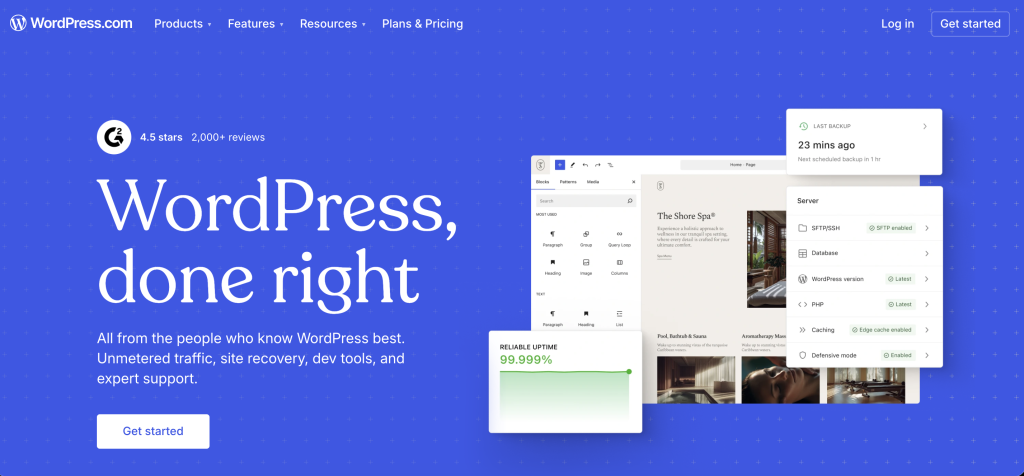
Here’s the twist most people searching this comparison don’t expect: Pressable and WordPress.com are both owned by Automattic. This isn’t one company against a competitor. It’s two products from the same parent, aimed at different kinds of users. Same family, different playbooks.
WordPress.com’s lower tiers, Personal at roughly $9 a month and Premium at $18, block third-party plugins entirely, along with WooCommerce. No plugins, no deal. To get the plugin freedom Pressable offers on every single plan, you need the Business tier, priced around $40 a month on monthly billing or closer to $25 a month if you commit annually. That plan includes the full plugin directory, SFTP and SSH access, staging sites, and GitHub deployment.
What WordPress.com does that Pressable doesn’t: it bundles the actual CMS platform and the hosting into one subscription and one dashboard. There’s no separate step of installing WordPress yourself. One login. Done. Signup promotions on the Business tier have also included a year of business email at times, which would close the exact gap that sends a lot of people searching for a Pressable alternative in the first place, though that offer has shifted before and shouldn’t be assumed without checking the current signup page. For creators running a paid newsletter or a subscription based content site, that single login convenience is worth paying for.
A few things to watch before switching:
- The Business tier is where meaningful functionality starts, since lower tiers won’t get you Pressable level flexibility
- The free domain, and any bundled business email promotion, typically only last through year one, after which renewal pricing kicks in
- Storage caps run tighter than Pressable at comparable price points, 6GB on Personal and Premium, 50GB once you’re on Business or Commerce
- A Commerce tier exists at roughly $70 a month, or $45 annually, for full WooCommerce store functionality
WordPress.com’s main limitation against Pressable is that plugin freedom sits behind a specific tier rather than being available from day one, and the platform keeps nudging you toward its own ecosystem of themes and blocks even once you’re on Business. For most people making this switch, that’s a fair trade for handing the entire server layer over to the same infrastructure that already runs WordPress.com and WooCommerce at scale.
If the bundled platform and single login sound like the better fit, check WordPress.com’s current plans here.
Pressable vs WP Engine Managed Hosting: Simplicity vs Bundled Tools

WP Engine sits close to Pressable on price. The Startup plan runs $25 to $30 a month depending on billing term, covering one site and roughly 25,000 monthly visits. Watch that cap. WP Engine charges overage fees once you cross it, a pricing mechanic Pressable handles differently through its own usage based model.
What WP Engine brings that Pressable doesn’t: a bundled premium theme framework through Genesis and StudioPress, phone support starting at the Professional tier, and an established reputation with large agencies running dozens of client sites at once. That reputation counts.
The trade off shows up at scale. Run the numbers first. WP Engine’s Growth plan lands close to $100 a month for ten sites, and Scale jumps to the $250 to $280 range for thirty. Agencies running the numbers often find the per-site cost climbs fast once you’re past the entry tiers.
WP Engine earns the switch for anyone who wants the Genesis ecosystem baked in and an actual phone line when something breaks, both things Pressable doesn’t offer at any tier. Budget for the visit overage. For a single site with steady, predictable traffic, that’s a minor line item against what WP Engine adds on top.
Pressable vs Kinsta Managed WordPress Hosting: The Direct Premium Rival
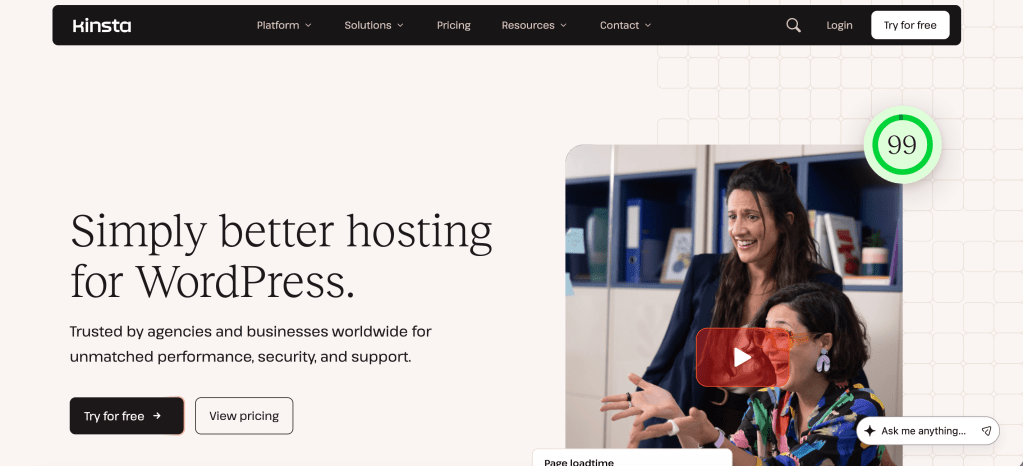
Kinsta is the closest apples to apples competitor Pressable has. This is the real fight. Both are premium managed WordPress hosts built for agencies and serious site owners, both ship a full feature set rather than gating basics behind pricing tiers, and both sit in a similar price range. Kinsta’s entry plan runs $35 a month on monthly billing, dropping to around $30 with annual commitment, covering one site, 35,000 monthly visits, and 10GB of storage.
What separates the two comes down to infrastructure and tooling. Kinsta runs on Google Cloud with Cloudflare Enterprise CDN included standard, a combination that independent benchmarks consistently clock among the fastest in managed WordPress hosting. That’s fast. It also bundles an application performance monitoring tool that flags slow plugins and database queries without installing anything extra, plus DevKinsta, a free local development environment for testing changes before they touch a live site.
Kinsta’s Agency tier tops out around $675 a month for 60 installs and 1.25 million monthly visits, with custom Enterprise pricing beyond that for anything bigger still. That ceiling matters if a client site is expected to grow fast. Scale isn’t cheap here.
Where Pressable holds its ground: pricing predictability. That matters. Pressable is known for not hiking renewal prices the way some competitors do, and its flat feature set means a Starter customer gets the same core toolkit as an agency customer, just less of it. Kinsta gates some advanced features behind its higher tiers instead. One thing worth flagging in the other direction: Pressable’s per unit overage rate for extra visits runs higher than Kinsta’s, so a site that regularly spikes past its allowance can end up costing more on Pressable than the sticker price suggests.
Kinsta makes one of the stronger cases against Pressable on this whole list, especially for anyone who’s felt Pressable’s performance ceiling firsthand. The Google Cloud infrastructure, the built in APM, DevKinsta, none of that is marketing fluff. It’s the toolkit an agency actually reaches for day to day. Pressable stays cheaper and more predictable long term, sure. Fair enough. But on a site where speed and uptime carry serious revenue, that’s the smaller number to worry about.
If raw speed under load is the priority, see Kinsta’s current plans here.
Pressable vs Cloudways Cloud Hosting: Flexibility vs a Fixed Feature Set
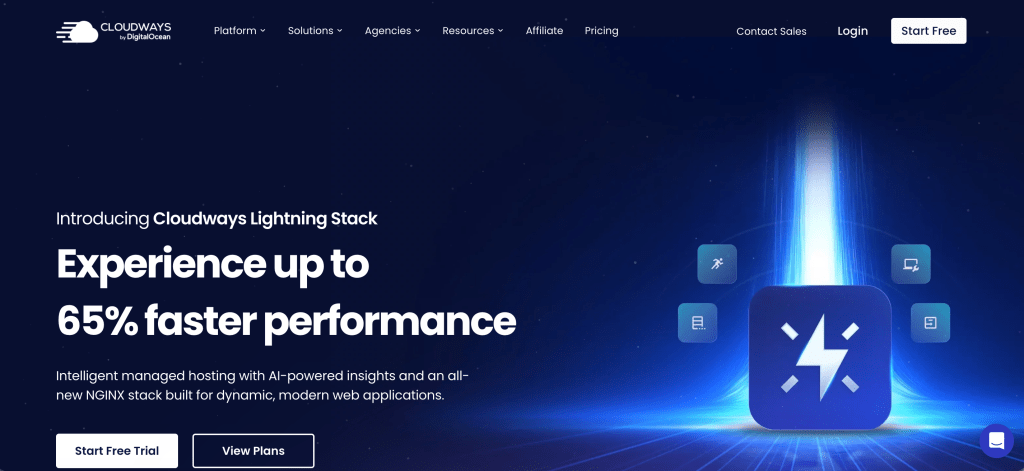
Cloudways flips the entire pricing model on its head. No fixed tiers here. Instead, you’re renting cloud server capacity from DigitalOcean, Vultr, Linode, AWS, or Google Cloud, with Cloudways managing everything on top. Entry pricing starts around $11 to $14 a month, and billing runs per server rather than per site. There’s no official cap on how many sites a server can hold, only the resources it has, so a single $22 server can comfortably run several small sites before it starts to strain.
That per-server billing is the single biggest differentiator against Pressable, which charges per install. Do the math. An agency running eight lightweight client sites could fit every one of them on one mid-tier Cloudways server for less than a single Pressable plan covering the same install count.
The catch: no phone support, ever, unless you pay extra for a premium support add-on that starts around $100 a month. That’s steep. Setup also expects some comfort with server level concepts like DNS and caching configuration. Pressable, by contrast, was built for people who never want to think about the server layer at all.
Cloudways wins decisively on math for anyone running more than one or two sites. Do the arithmetic. The per-server model turns Pressable’s per-install pricing into avoidable overhead. Setup asks a little more of you upfront, since you’ll want basic comfort with DNS and caching, but that’s a one-time learning curve against savings that compound every month after.
If per-server billing across multiple sites sounds like the better math, check Cloudways’ current plans here.
Best Pressable Alternatives Compared Side by Side
| Host | Starting Price | Billing Model | Best Known For | Enterprise Ready |
|---|---|---|---|---|
| Pressable | ~$25/mo | Per-site install | Flat feature set across every tier | No HIPAA or PCI |
| WordPress.com | ~$25 to $40/mo | Per site, tier gated | All in one CMS and hosting bundle | Yes, custom Enterprise tier |
| Kinsta | ~$30 to $35/mo | Per site, visit capped | Google Cloud and built in dev tools | Yes, up to $675/mo Agency tier, custom beyond |
| WP Engine | ~$25 to $30/mo | Per site, visit capped | Genesis bundle and phone support | Yes, Enterprise tier |
| Cloudways | ~$11 to $14/mo | Per server | Flexible cloud provider choice | No |
Pricing changes often across this category, so treat these as directional rather than exact. Always confirm current numbers directly on each provider’s pricing page before you commit.
Which Pressable Alternative Fits Your WordPress Hosting Needs

The honest answer to “which Pressable alternative is best” is that it depends entirely on what you’re hosting and who’s managing it. No universal answer exists. A solo blogger and a high-traffic publisher are solving completely different problems even if they both type the same search query.
| Your Situation | Best Fit | Why |
|---|---|---|
| Solo blogger, single site, tight budget | Cloudways | Lowest entry cost, unlimited apps per server |
| Agency managing many client sites | Cloudways or Kinsta | Per server billing, or Kinsta’s multi-site tiers for bigger rosters |
| Creator or newsletter staying inside the Automattic ecosystem | WordPress.com | Bundled CMS and hosting under one login, same parent company as Pressable |
| WooCommerce store generating revenue | Kinsta or WordPress.com Commerce | Built in performance tooling or a bundled store tier, depending on how hands on you want to be |
| High-traffic publisher, no online store | Kinsta or WP Engine’s Growth and Scale tiers | Dedicated resources built for visitor volume rather than transactions |
| Genesis theme user or Studiopress migrant | WP Engine | Native Genesis support other hosts don’t offer |
| Wants zero server decisions and predictable long-term pricing | Pressable | Flat feature set, no renewal price hikes |
Notice what’s missing from that list: a single universal winner. Anyone claiming one host beats all the others for every use case is selling something, not reviewing something.
Questions People Ask About Pressable Alternatives
What is the best Pressable alternative for a small blog?
Cloudways is usually the strongest fit for a small blog on a tight budget. Entry pricing starts around $11 a month, and a single low-tier server comfortably handles one or two low-traffic sites without the per-site pricing that other managed hosts use.
Is Cloudways actually cheaper than Pressable?
For a single site, yes, Cloudways typically comes in lower. The gap widens further once you’re hosting multiple sites, since Cloudways bills per server rather than per install and one server can run several sites at once.
Does WP Engine charge overage fees the way Pressable does?
Both hosts charge for exceeding plan limits, but the mechanics differ. The details matter. WP Engine caps monthly visits and bills per 1,000 excess visits, while Pressable’s overage structure runs on a combination of visits and storage. Read each provider’s current fair use policy before assuming either one.
Is WordPress.com basically the same thing as Pressable since Automattic owns both?
Owned by the same company, built on a different model. Different animals entirely. Pressable is traditional managed hosting where you control a full WordPress.org install from day one on any plan. WordPress.com bundles the CMS and hosting into one subscription, and locks third-party plugins out entirely until you reach the Business tier. Automattic ownership doesn’t mean the products feel the same to use.
Is Kinsta actually faster than Pressable?
Independent benchmarks generally favor Kinsta’s Google Cloud and Cloudflare Enterprise combination for raw load times, and that CDN comes included rather than as an upsell. Pressable performs well too, so the honest answer is to test both with your own site’s actual plugin stack before trusting a synthetic benchmark either way.
Can I migrate away from Pressable without losing my site?
Yes. Every host covered here, including WordPress.com, Kinsta, WP Engine, and Cloudways, offers some form of free or assisted migration. Back up your database and files independently before any transfer regardless of which provider handles the move.
Conclusion
Pressable isn’t the problem for most people searching this topic, and neither is any single alternative on this list. The mismatch is almost always between what a host optimizes for and what the site genuinely requires. Match the tool to the job. A creator who wants everything bundled under one Automattic login belongs on WordPress.com.
A Genesis user who wants a real phone line when something breaks belongs on WP Engine. A team chasing Google Cloud performance and built in dev tooling belongs on Kinsta. An agency juggling a dozen small client sites should be looking hard at Cloudways before writing another per site check anywhere else.
If you’re still narrowing down what matters for your setup before comparing specific hosts, our guide on what to look for in a web hosting provider is the right place to start. And if Pressable was never really the starting point, our full roundup of the best WordPress hosting providers covers the wider field beyond just Pressable’s closest rivals. Start there instead. Pick based on your actual workload, not on whichever host bought the most ad space this month.
Affiliate Disclosure: Some links in this article are affiliate links, which means BlogProcess may earn a commission if you make a purchase through them, at no additional cost to you. Our comparisons are based on the provider’s features, suitability, and value for WordPress users, and our editorial opinions are not changed by affiliate relationships.