
WordPress.com got a new face and open-sourced

Automattic, the creator of WordPress announced today, the relaunch WordPress.com.
WordPress.com is the sister solution of the content management system WordPress, but it’s considered as the money-making machine for the company because it’s a hosted version of the CMS used by up to 25 percent of the Web entities.
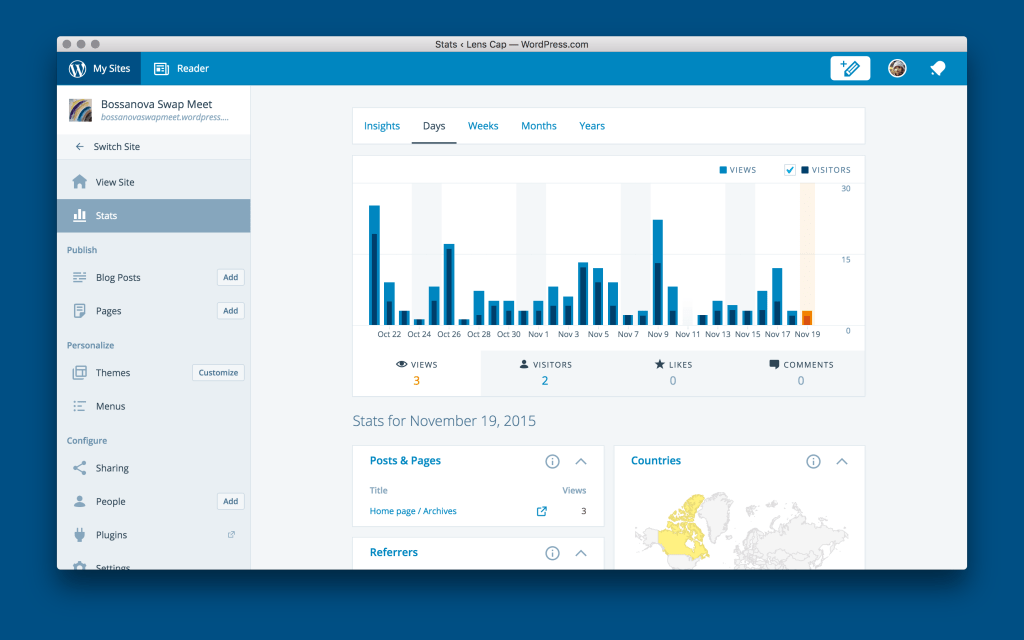
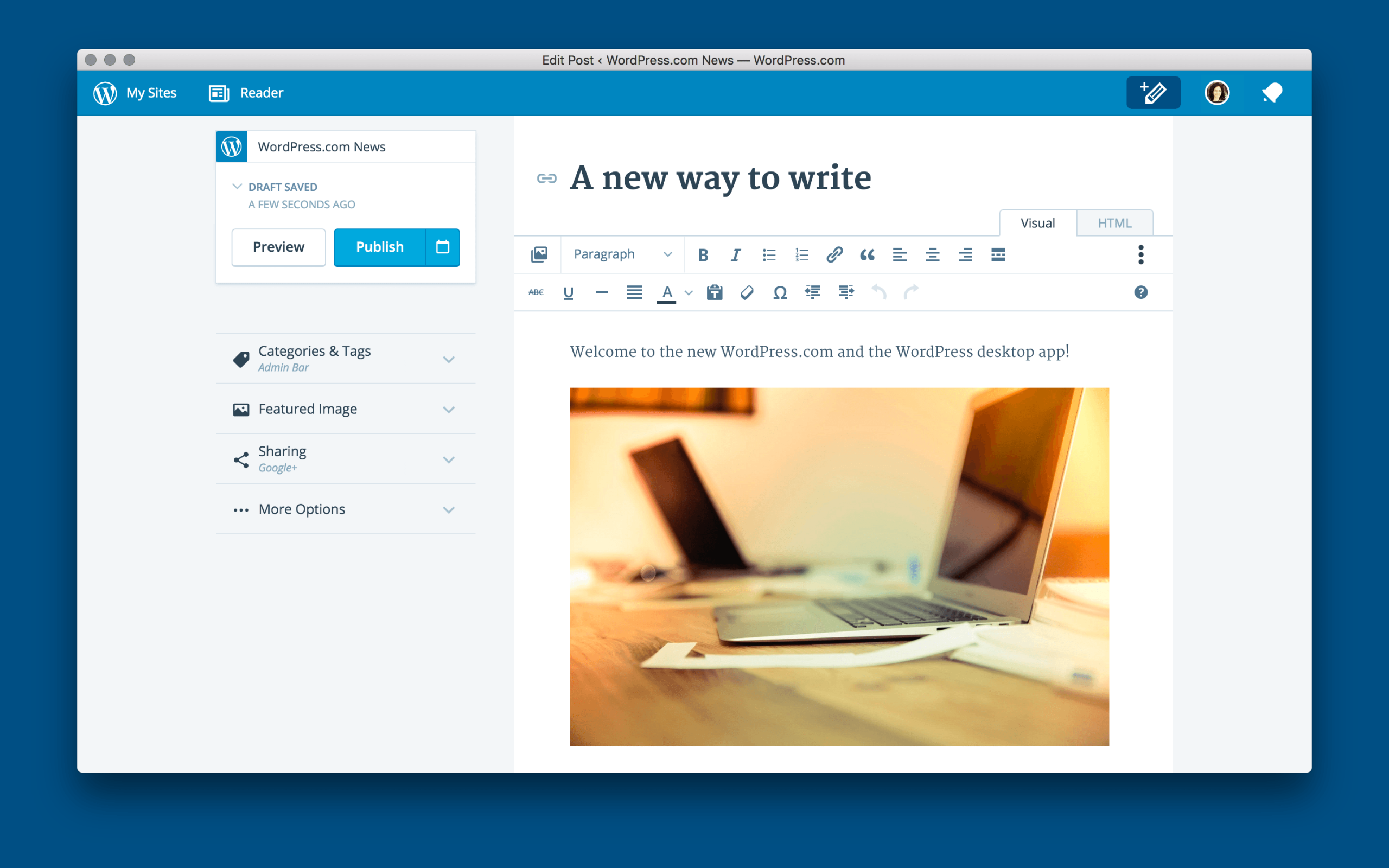
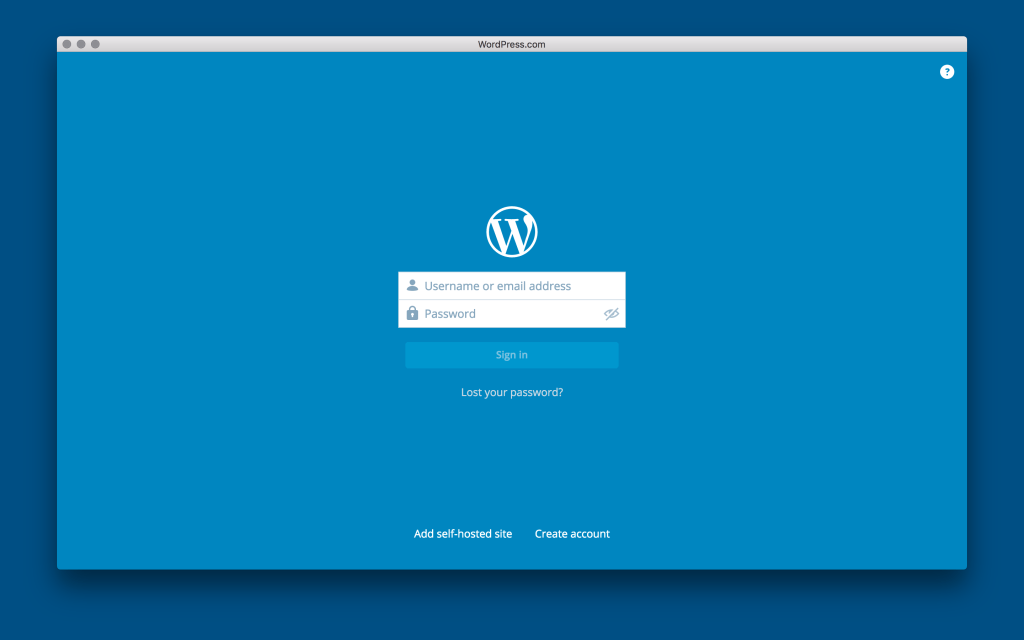
Based on the same system in the beginning, today, WordPress.com is taking a major deviation from the WordPress core, by using JavaScript instead of PHP and swapping the admin look for a more simplified design.
WPCOM3

Automattic also open-sourced the entire codebase behind the platform solution on GitHub, to allow anyone to learn, copy, and work with the code that behind WordPress.com.
Also, the company announced the launch of a Mac app powered by the same technology that runs WordPress.com, creating a seamless experience for publishing and browsing whether the user is in a browser, a mobile app, or the desktop.


You May Also Like

How to Manually Migrate a WordPress Site from ScalaHosting to WordPress.com

There is a point in every self-hosted WordPress journey when managing the…

How to Transfer From Blogger to WordPress In 6 Super Easy Steps

Blogger is a great tool for beginners, but once a blogger starts to realise the perks of having full control over their content, then WordPress becomes the next best option. There is a lot of information about how to migrate your blog or site. The hardest part about this move is trying to find and […]

Why WORDPRESS is better?

You might have started your own online business. Well, to make it work, you need to own a site. However, if you do not know much about programming languages, then it would benefit you a lot to make use of the simple and easy ones. In this matter, it would be a very good idea […]

Don’t lose your visitors when your database is unavailable

When your WordPress blog has trouble connecting with the database, it returns a nice “Error Establishing a database connection”. Instead of losing visitors, db-error.php might be the useful solution. You should create and place it in the wp-content folder. After that paste this short code in it. [sourcecode language=”php”]<?php // db-error.php $host=$_SERVER[‘HTTP_HOST’]; $uri=urlencode($_SERVER[‘REQUEST_URI’]); header("Location: http://google.com/search?q=cache:$host$uri"); […]