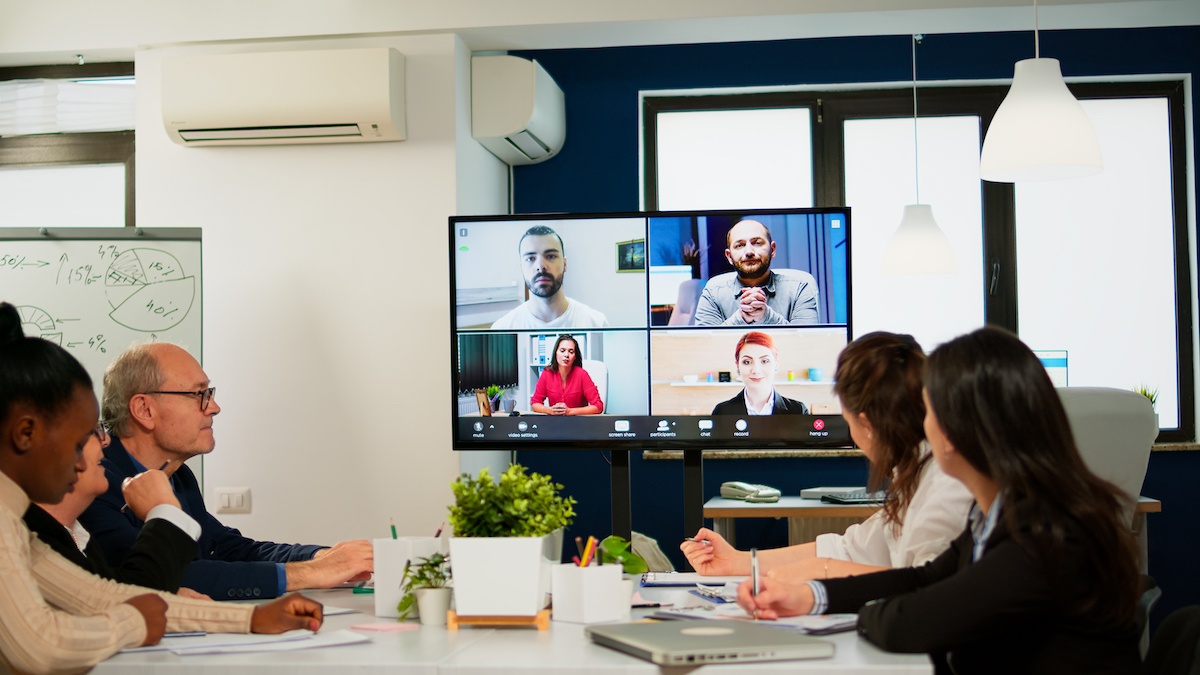

When there is poor handling of meetings, they negatively influence team performance, innovation, creativity, and individual well-being. Meeting recovery syndrome, in which personnel loses considerable time and productivity psychologically recovering after a terrible meeting, can occur. Only around half of the meeting time is productive, well-used, and engaging, according to research. These statistics dip even lower whenever it comes to remote meetings.
When it comes to organizing a remote meeting, organizers seem to have a similar mindset. They understand their position as stewards of other people’s time. When meeting with major customers or stakeholders, leaders typically adopt a stewardship approach. This is because you never want these individuals to feel that the meeting was a waste of time. When meeting with one’s team or peers, however, stewardship is sometimes overlooked.
1- Stewardship Mind-set
You become thoughtful in your meeting activities from start to finish once you apply a stewardship mentality. It takes very little time to be intentional and make good meeting decisions. With practice, it can take you less than a minute. These options include; preparing for the meeting in advance, maintaining efficiency and engagement during the session, and wrapping it up.
2- Set Virtual Meetings Up For Success
Don’t invite too many people
As the size of a conference grows more extensive, the quality of the meeting suffers. Remote meetings, fortunately, can be recorded and listened to twice as fast by those who cannot participate in person. Allow non-essential members off the hook by sending them the tape. They can listen to the recording at their leisure rather than disrupting the flow. To avoid sentiments of marginalization on the side of team members who were not in a particular meeting. Give them a choice to attend any subsequent meetings on the subject if they so wish. They are unlikely to accept your offer, but they will appreciate the fact that you inquired.
Timing is crucial
Set the timer correctly. Avoid the hour-long meeting if possible, given our current attention spans. Don’t be afraid to organize a meeting for only 15, 20, or 25 minutes. Reducing meeting length produces positivity. Research suggests that groups working under time constraints perform better because they are more focused and stimulated.
Predetermined agenda
Make the agenda as precise as possible. Structure the agenda into questions that need answering rather than a series of subjects to be covered. This builds concentration, which is often missing in virtual meetings. You can get a better sense of who to include in a meeting by structuring agenda items as questions. Once you have all the answers to your questions, you’ll know when to call the meeting to a close. You’ll ultimately be able to tell if it was a success.
Stimulating Media
Social loafing, which is a human tendency to diminish concentration and enthusiasm when working in a group, can affect remote meetings. Due to the virtual barrier separating team members, social loafing rises the more isolated one feels. This is very similar to hiding in a crowd. It can also grow during remote meetings. The use of video and inviting as few individuals as feasible helps alleviate the feeling of anonymity.
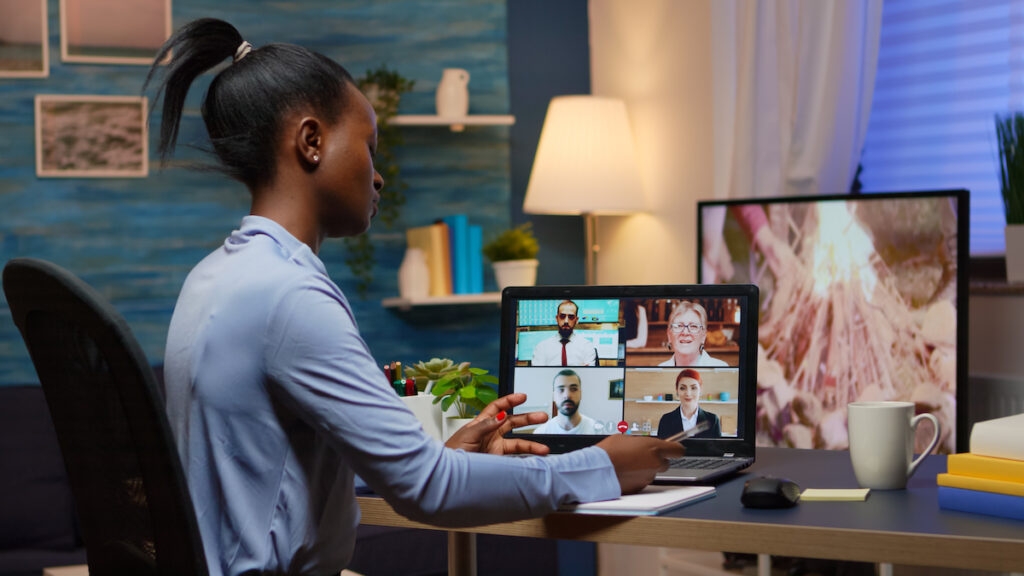
3- Managed Productivity and Presence
Timekeeping
A 15-minute wait because participants can’t get the video or audio to function or have other technical issues kills momentum. Presenters should arrive five minutes ahead of time to ensure that the technology is up and running. Individuals experience a great deal of tension when meetings end late, so don’t go over.
Positive Start
The meeting should get off to a good start. You must be in a good mood as the meeting organizer. It establishes the tone. According to research, it may even have a contagious impact on attendees, causing their mood to mimic yours. Start the meeting with enthusiasm, thanks, and appreciation, especially during this difficult time. This raises the likelihood of a meeting with a good mood, which encourages more innovation, listening, and constructive behavior.
Establish set Standards
Norms should be established. How can we expect our virtual meetings to be productive if we never discuss what constitutes a good one? It would be best if you discussed what to avoid. Create common standards about what makes an excellent virtual meeting with your attendees regularly. Expectations should be stated clearly, such as “all contributions should be no longer than 60 seconds.” This is to ensure that everyone has an opportunity to speak, and colleagues should be allowed to respond. Setting rules for when people can take breaks, stand up, and stretch can assist overcome meeting weariness in lengthier sessions.
Facilitate actively
In remote meetings, this is critical. Leaders of meetings must accept the position of facilitator. To keep virtual attendees engaged, ask them to contribute their ideas (for example, “James, please give your thoughts”). You might consider keeping an account to ensure that everyone is contributing and that you hear all opinions. “Any comments?” is a generic question to avoid. Instead, make a specific appeal to people. Never let folks ramble or get off track; it’s your role as the meeting leader to interrupt if necessary gently.
Make use of tools
Silence does not imply comprehension or agreement. Participants can vote on handy apps like Klaxoon, making it easy to see if the group has reached a consensus. This can be done in real-time during the meeting or shortly after that to distinguish deliberation from decision-making. Use available chat room technology to let attendees know they wish to speak or that they missed anything. The chat room can also be an additional channel of communication for some meetings. The leader or even another attendee can moderate these communications. Using the technical tools available to you can help you enhance participation and engagement.
Ending Meetings
Meetings should come to a good conclusion. Make sure to explain takeaways with a few minutes remaining. Determine who is accountable for every action point. Don’t leave anyone questioning the achievement or what the subsequent steps are after your meeting.
Final Word
The most effective technique to improve your team meetings is to make sure everyone is on board. The ultimate act of stewardship is making sure no one is left behind. Do a simple survey asking people to share what’s working and what’s not and suggestions for improvement. Then, based on the feedback, learn, reflect, and try some new things. Remote meetings are now an integral part of life as we know it. That is why it is in your best interest to get them right.